
3 Types Of Modern Directories
Discover the three main types of directories you can build, from affiliate to local and user-generated content. Learn how to select the right software to avoid pitfalls.

From idea to directory: collect submissions, import spreadsheets, customize fields, and publish on your domain
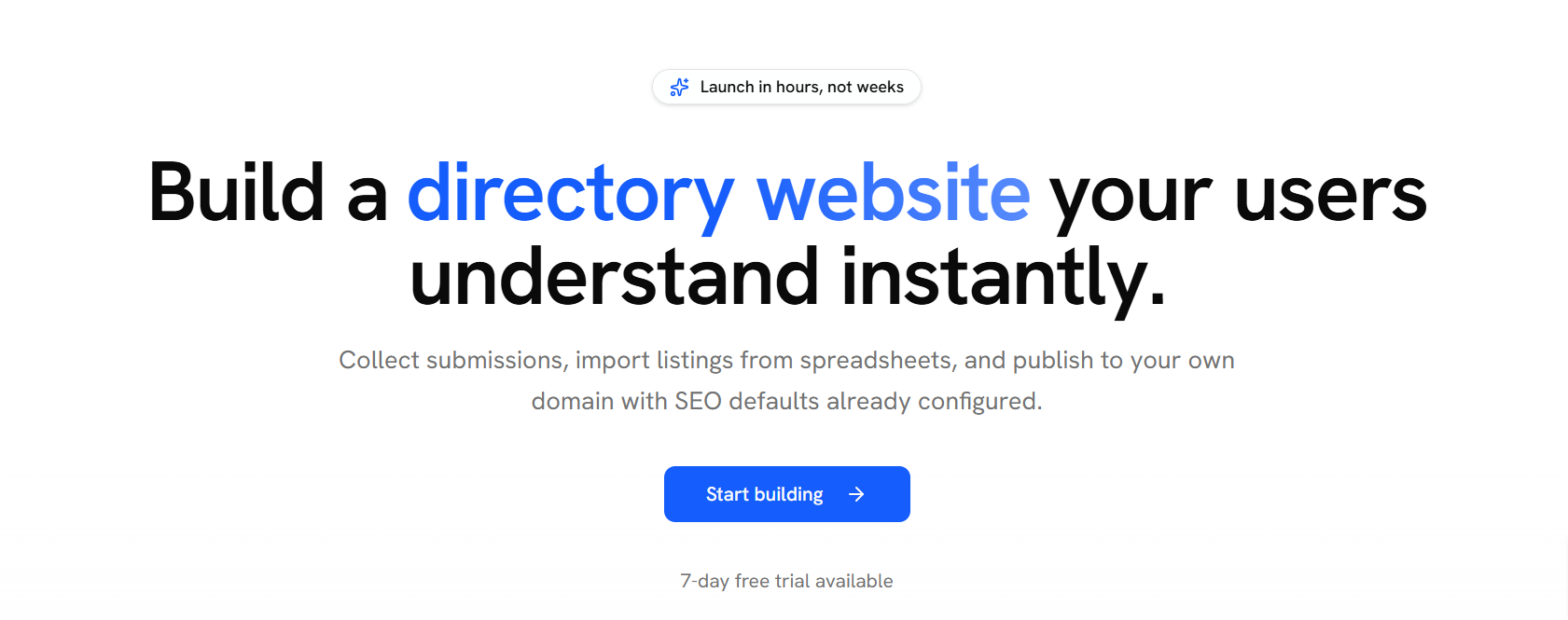
Building a directory website usually ends in a fight with a heavy CMS. You start with a vision of a clean, searchable database of businesses or resources. You end up wrestling with slow load times, messy plugins, and CSS that breaks every time you update a theme.
DirectoryCraft targets this specific pain. It is a dedicated tool for people who want to launch a directory without the overhead of WordPress or the limitations of basic "no-code" site builders. It handles the data structures and search logic out of the box so you can focus on the content.
Most builders try to be everything to everyone. DirectoryCraft does one thing. It builds directories.
The internet is moving back toward curation. Search engines are cluttered. People want lists they can trust. If you try to build a curated list on a standard blog platform, you hit a wall. Blogs are chronological. Directories are structural.
A directory needs filters. It needs maps. It needs a way for users to submit data without seeing your backend.
DirectoryCraft solves this by providing a framework built specifically for these tasks. It isn't a "website builder" in the general sense. It is a specialized engine. If you want to build a portfolio or a landing page, go elsewhere. If you need to manage 1,000 listings with custom attributes, stay here.
What makes this different from a WordPress theme or an Airtable-to-Web wrapper?
Maybe you’ve tried using a spreadsheet-to-site tool before. They are easy to set up but hard to scale. They often feel flimsy. DirectoryCraft feels like a real application. It handles the heavy lifting of database management while giving you a clean UI.
I won't list every button in the dashboard. You can find that on their site. Instead, let's look at the features that determine if your project succeeds.
A directory is only as good as its search. If you are building a directory of remote jobs, you need to filter by salary, time zone, and tech stack. DirectoryCraft lets you define these fields. You aren't stuck with "Title" and "Description."
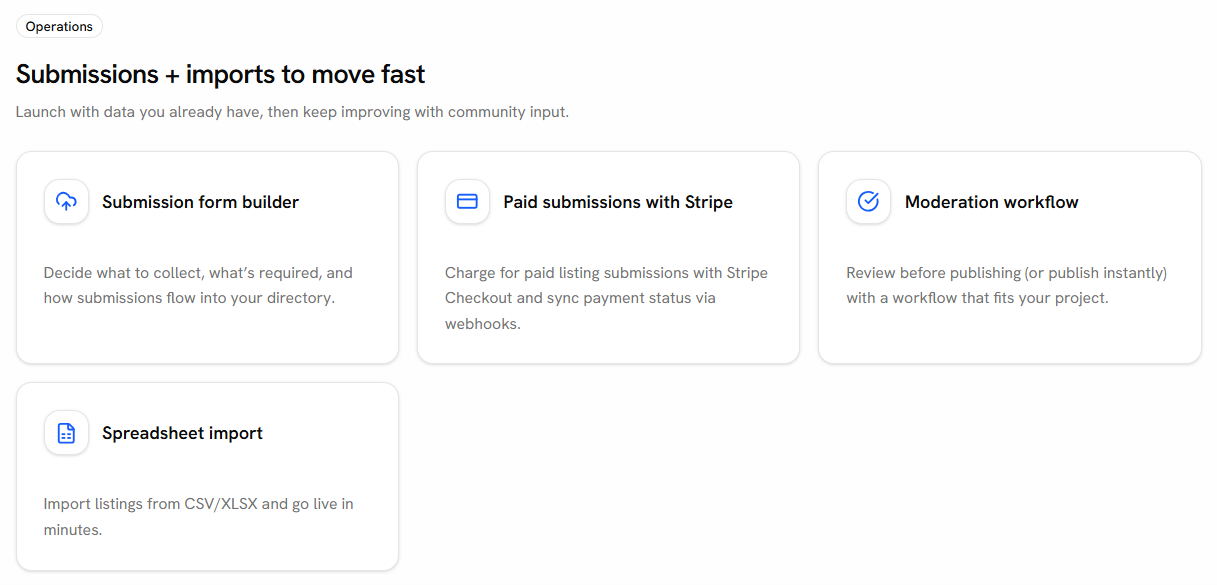
Manually adding every listing is a recipe for burnout. You need a way for your community to contribute. DirectoryCraft includes front-end submission forms. You can set these to require your approval before they go live. This keeps the quality high.
Directories are businesses. You need ways to charge for listings. The platform integrates with payment processors so you can sell:
For local directories, a map is mandatory. Most builders charge extra for this or require a complex API setup. DirectoryCraft handles the mapping of addresses to coordinates. It works.
How are people actually using this? It isn't just for "Yellow Pages" clones.
Imagine a directory of certified accountants in a specific region. You need to verify credentials and display office hours. DirectoryCraft handles the categorization and the verification status clearly.
Standard job boards are too broad. A niche board for "React Developers in Berlin" needs specific filters. You can set up a directory that tracks specific skill sets and seniority levels.
You could build a collection of the best SaaS tools for designers. The "listings" don't have to be businesses. They can be links, files, or tools. The structure remains the same: a searchable, filterable database.
If you want to see how these features look in action, you can explore the DirectoryCraft demo. It shows the speed of the filtering system better than I can describe it.
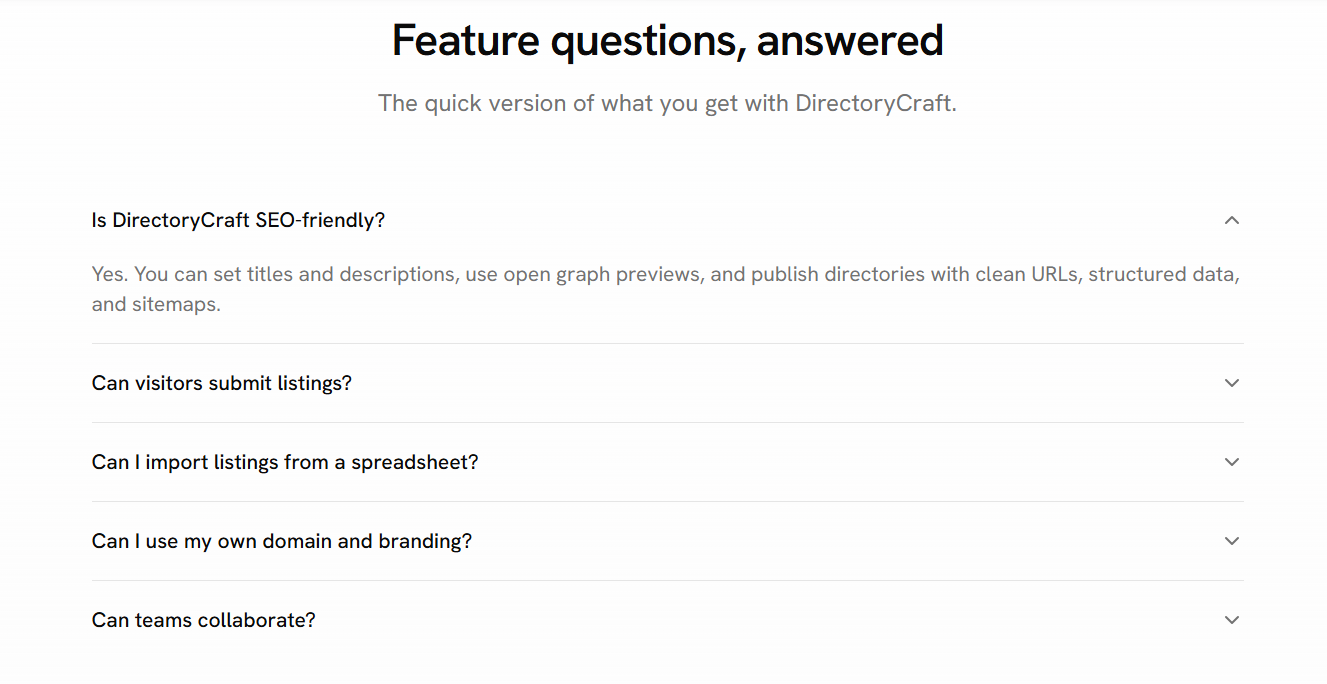
Yes. You can. But you will spend your weekends updating plugins. You will pay for hosting that can handle the database queries. You will fight with a theme that wants to be a blog. DirectoryCraft is for people who value their time over the "freedom" to break their site with custom code.
Sometimes. If you want to build a highly custom, experimental web app that doesn't follow a directory structure, this isn't the tool. It is opinionated. It forces you into a directory layout because that's what works for users.
You own it. You can export your listings at any time. You aren't trapped in a proprietary ecosystem that hides your CSVs from you.
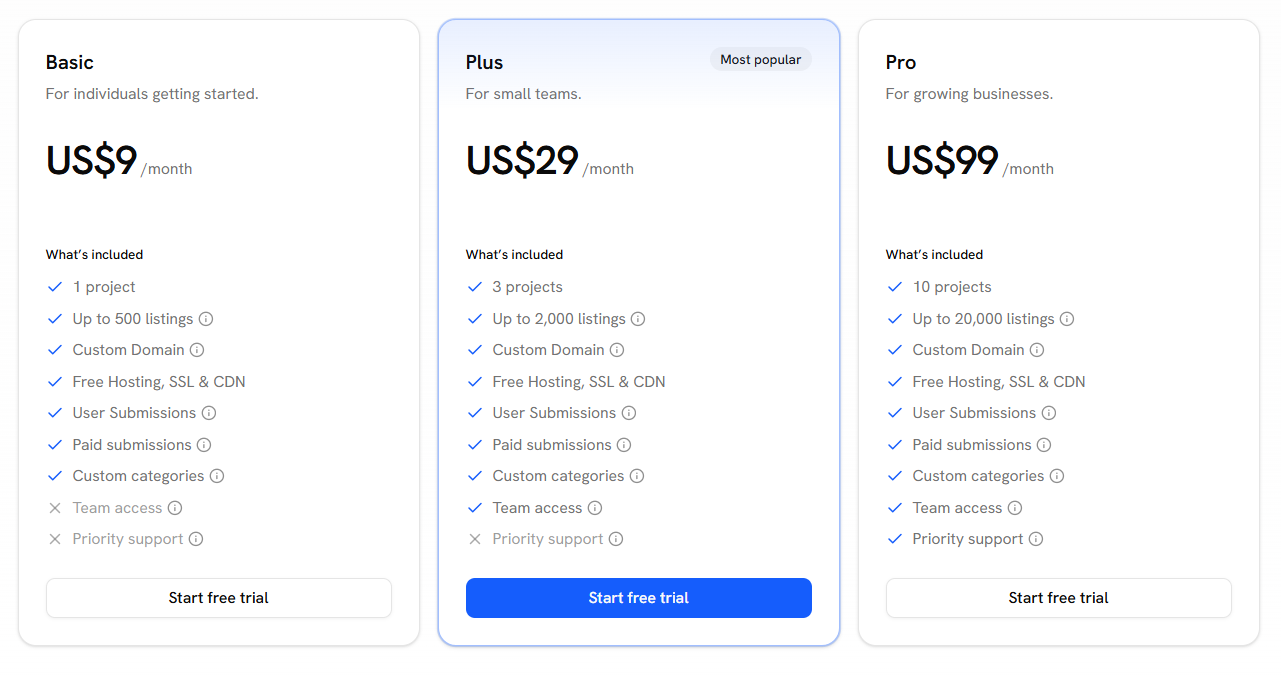
DirectoryCraft generally operates on a tiered subscription model. They often offer a free tier for small projects or those just starting out. As your traffic and listing count grow, you move into paid plans.
Paid plans usually unlock:
Check the official pricing page for the current rates. It is cheaper than paying a developer $100 an hour to fix a broken database on a custom site.
Most competitors fall into two camps:
DirectoryCraft sits in the middle. It offers the power of a database-driven site with the ease of a modern SaaS. It is a tool for builders who want to ship.
Directly speaking: it works. It doesn't try to be "magical." It is a utility.
If you have a CSV full of data and no place to put it, start building with DirectoryCraft. You can have a functional site live today.
Building a directory is a marathon. You have to find data, market the site, and keep the listings fresh. Don't waste your energy on the infrastructure. Use a tool that was built for this specific purpose.
DirectoryCraft isn't for everyone. It's for people who want a directory that loads fast, ranks well, and stays out of the way. Stop over-engineering. Just build the list.

Unicorn Platform is an AI website builder that helps to quickly create websites without design or development skills for SaaS, Apps, Directories, Blogs, Personal pages, and more.

Directify is a super-easy to use no-code directory builder. You can have multiple directory sites for a one-time payment. Click to read Directify reviews

Launch Your Profitable Directory Website in Minutes - Zero Coding, Unlimited Potential
Unicorn Platform is an AI website builder that helps to quickly create websites without design or development skills for SaaS, Apps, Directories, Blogs, Personal pages, and more.

Build your online directory with Make A Dir's no-code platform. Build and monetize professional directories in minutes!
Directify is a super-easy to use no-code directory builder. You can have multiple directory sites for a one-time payment. Click to read Directify reviews
Discover the three main types of directories you can build, from affiliate to local and user-generated content. Learn how to select the right software to avoid pitfalls.
Discover Directify, the innovative directory builder that prioritizes revenue generation with its unique features and pricing plans. Learn how to create lucrative directories with ease.

Discover a strategic blueprint for creating your own affiliate-powered directory. Learn how to automate, monetize, and scale your directory effectively with this comprehensive guide.