
Brilliant Directories: A Smart Choice for Building a Member Directory?
Discover the advantages of using Brilliant Directories for creating your member directory. Learn about its features, benefits, and why it's a smart choice for your business.

Link Directory Pro is an advanced and modern-looking PHP link directory script with rich SEO features where you can create your own Link Directory.
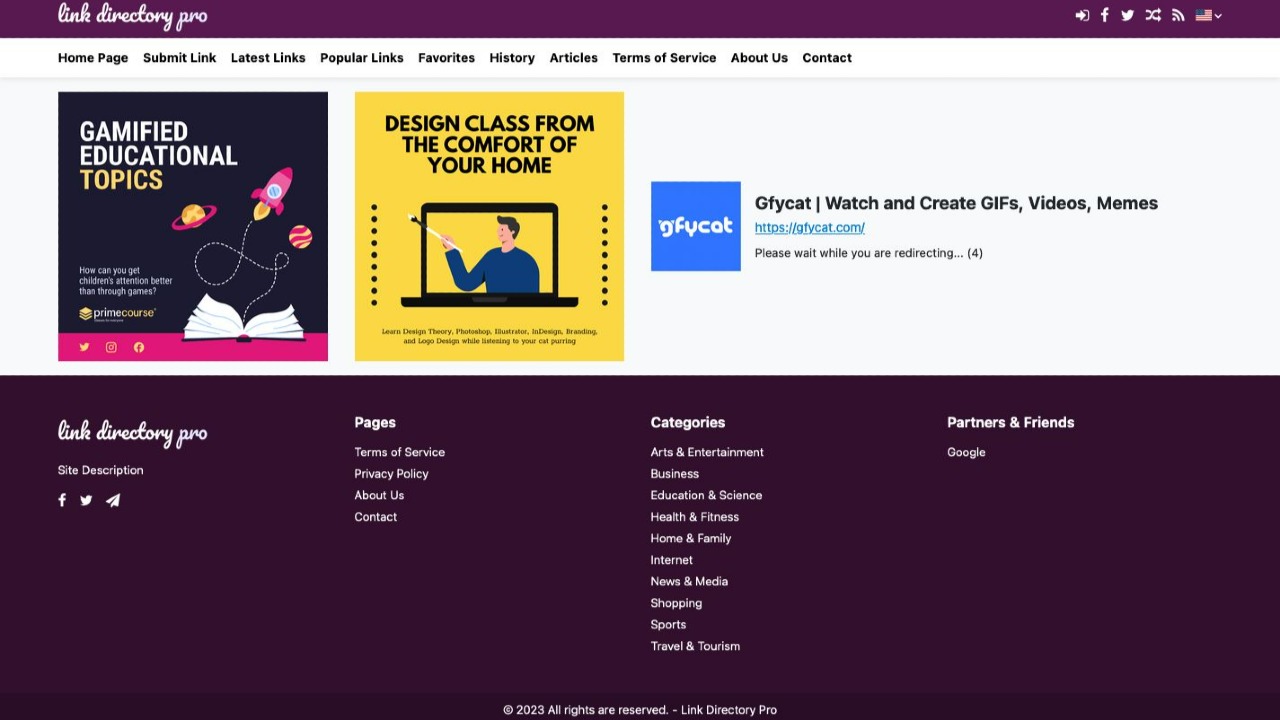
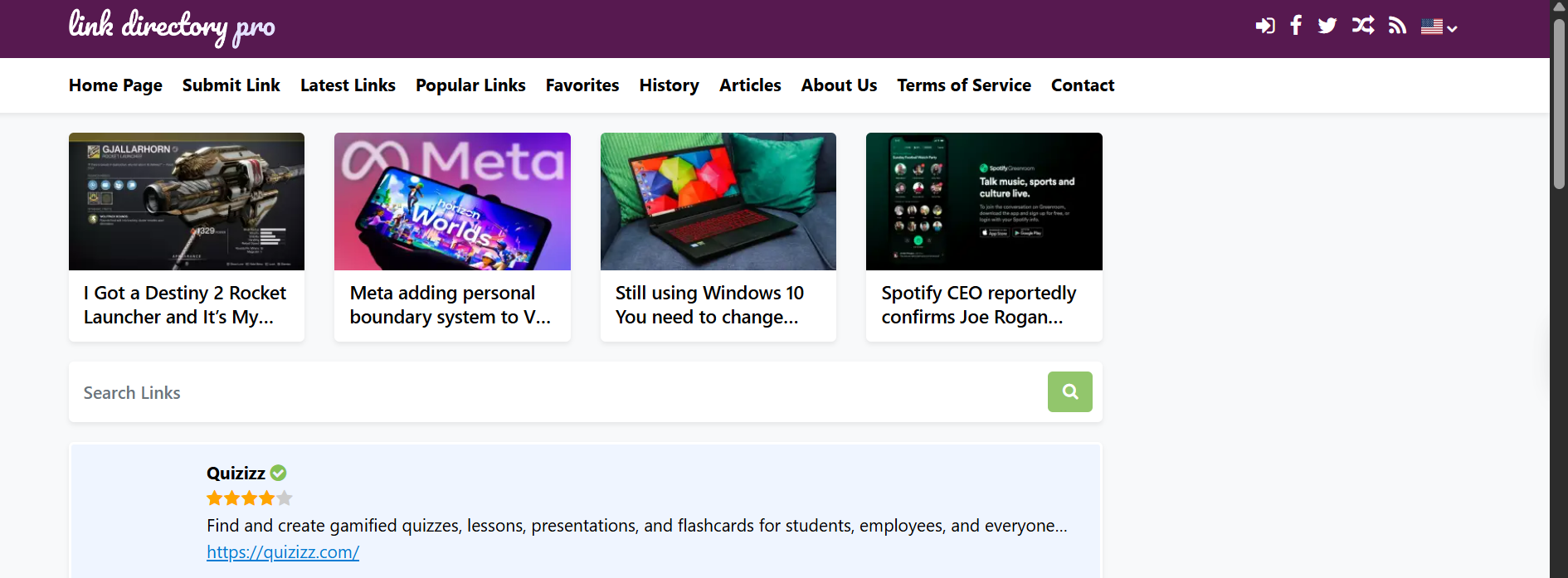
You want to build a directory. You have two main paths: a heavy WordPress theme that slows your site to a crawl, or a monthly SaaS subscription that holds your data hostage.
Sometimes, neither is the right answer.
If you need speed, ownership, and a clean codebase, a standalone PHP script is often the better choice. I looked at Link Directory Pro by FoxArt Studios. It’s a self-hosted PHP script designed to do one thing: build a link directory without the bloat.
It’s not a WordPress plugin. It’s a standalone system. That distinction matters.
Link Directory Pro is a PHP script you install on your server. It runs independently of your main site (if you have one), though you can link them. It handles user submissions, link curation, payments, and SEO automatically.
The problem with most directory software is complexity. They try to be social networks, forums, and shops all at once. This script strips that back. It focuses on listing links, categorizing them, and getting them ranked.
It’s fast. Because it doesn’t drag the weight of a CMS like WordPress behind it, the page loads feel snappy.
This isn’t for the person who wants a drag-and-drop builder like Elementor. You need to be comfortable uploading files to a server and creating a database.
It fits best if you are:
Here is what actually works well.
Monetization is Built-in Most scripts make you buy add-ons for payments. This one includes Stripe, PayPal, Bank Transfer, and even Cryptocurrency support (via Coinbase API) out of the box. You can charge for premium listings or just run ads in the pre-defined spaces.
It’s a PWA (Progressive Web App) This is surprising for a script at this price point. It supports PWA, meaning users on mobile can add your directory to their home screen like an app. It makes the directory feel modern and sticky.
Auto-Generated SEO You don’t need an extra plugin for sitemaps. The script generates an XML sitemap automatically and pings search engines. It also handles meta tags and schema data. It’s decent for getting indexed quickly.
Bulk Importing If you are moving from another system, you don’t want to add links one by one. The bulk submission feature lets you populate categories and links fast.
Deep Linking & Details It supports "deep links" (linking to specific inner pages of a resource) and detailed descriptions. You can add photo galleries to listings, which is great for visual niches like design or travel.

1. The "Tools" Subdomain
I see this often. You have a main agency site. You want to attract traffic by listing the "Best Marketing Tools." You install Link Directory Pro on tools.yoursite.com. It runs separately, doesn’t slow down your main site, but feeds you traffic.
2. Local Business Directories Because it supports maps (OpenLayers) and city/country filtering, you can build a "Coffee Shops in Montreal" directory. You charge shops $50 for a "Featured" spot using the built-in Stripe integration.
3. Affiliate Farms You curate products. You mask the links (or use the deep linking feature) to send traffic to affiliate offers. The script tracks clicks, so you know what’s performing.
I’ll be direct. It’s not perfect.
The Pros:
The Cons:
MySQL scares you, stick to a SaaS.As of this writing, it’s listed at $17.99 (down from $29.99). That is cheap. Ridiculously cheap for a script with PWA and crypto payments.
You should check the official page for the current price, as sales change.
Check current pricing for Link Directory Pro here
Vs. WordPress Plugins (like Business Directory Plugin) WordPress plugins are easier to install but harder to scale. If you have 10,000 listings, WordPress starts to choke. Link Directory Pro handles large databases better because the code is optimized just for directories.
Vs. SaaS (like Brilliant Directories) SaaS is easier. You just log in. But you pay $30-$100 every month forever. With Link Directory Pro, you pay roughly $18 once. If you are validating a niche, maybe start here to save cash.
Is it secure? It uses PDO for database queries (prevents SQL injection) and includes Google reCAPTCHA. It seems solid for a PHP script.
Can I translate it? Yes. It has multi-language support and RTL (Right-to-Left) text support for languages like Arabic or Hebrew.
Does it handle video? Yes. You can link to videos, and it has a photo gallery feature.
Link Directory Pro is a strong tool for a specific user.
If you want a "no-code" drag-and-drop experience, look elsewhere. But if you want a fast, owned, revenue-ready directory for the price of a lunch, this is a steal. It cuts the fluff and handles the job.
If you are ready to build a directory asset without the monthly fees, give it a look.

Directify is a super-easy to use no-code directory builder. You can have multiple directory sites for a one-time payment. Click to read Directify reviews

Create, customize, and monetize professional directories with no code. Powerful features, beautiful design, launch in minutes.

Directorist is the best business directory wordpress plugin - built to power your directory, listing, and classified websites with powerful features and themes.

Build your online directory with Make A Dir's no-code platform. Build and monetize professional directories in minutes!

eDirectory is a no-code platform to build member-based directories. Here's what we think about eDirectory.
Create, customize, and monetize professional directories with no code. Powerful features, beautiful design, launch in minutes.
Discover the advantages of using Brilliant Directories for creating your member directory. Learn about its features, benefits, and why it's a smart choice for your business.

Explore DirectBase, the simplest platform to quickly launch a directory. Learn about its features, benefits, and how it can streamline your directory creation process.
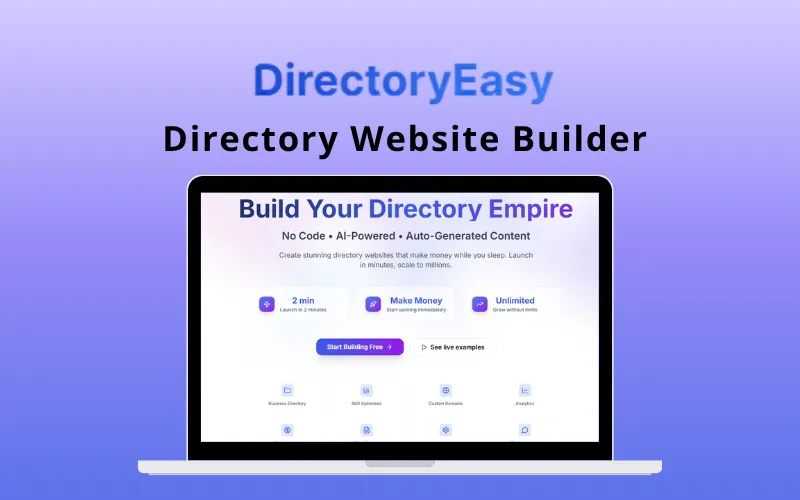
Discover how Directory Easy can help you build and monetize your own niche directories effortlessly. Learn about its features and benefits for digital creators.

Struggling with Brilliant Directories? This is how skilled Brilliant Directories Developers can help you create an interactive online directory or membership website without the stress.

Explore our in-depth review of GeoDirectory, the premier WordPress directory plugin designed for location-based business listings. Learn about its unique features, pricing, and how it compares to other directory plugins like Business Directory Plugin and Directorist.