Lovable - Build Directory Websites with AI and No Code
Lovable is an AI directory website builder that turns ideas into production-ready directories without coding. Launch faster with AI.
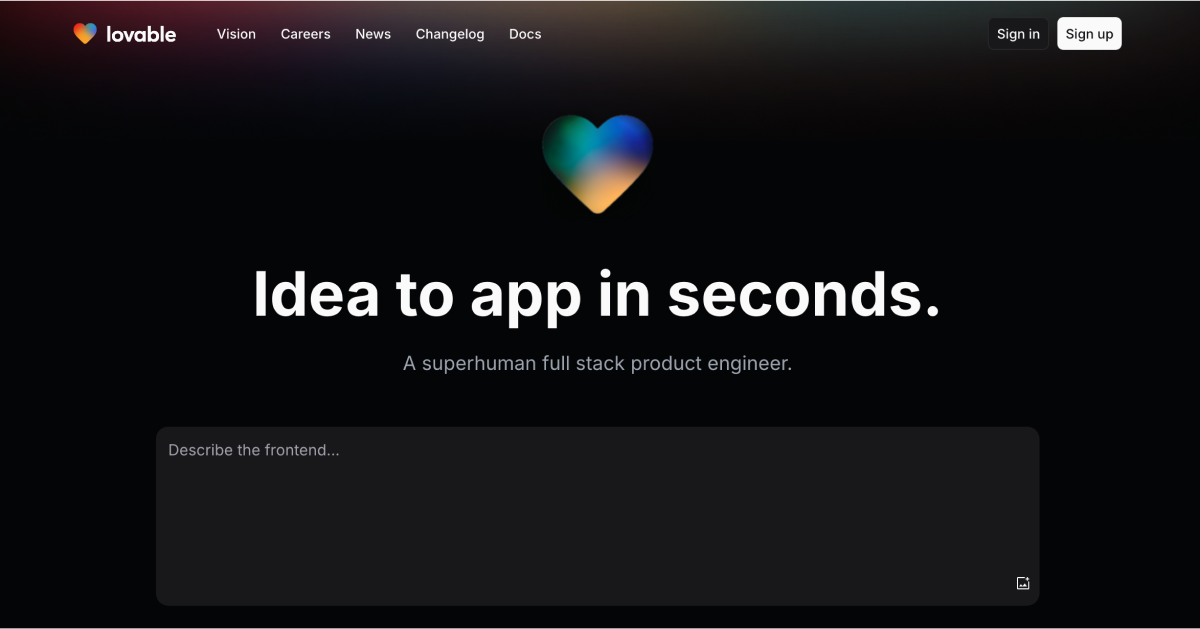
Lovable.dev Review: Building Directories with "Vibe Coding"
You don’t need to learn React to build a directory anymore. You just need to know how to describe what you want.
Lovable.dev is an AI-powered full-stack builder. It takes a text prompt and generates a functioning web application. It handles the frontend, the database, and the authentication. It claims to replace the junior developer.
I’ve tested it. It’s fast. It’s impressive. But it also has limits you need to know about before you commit your credit card.
Here is the reality of building a directory website with Lovable.
The Problem: Directory Sites are Boring to Code
Building a directory—like a curated list of AI tools, local cafes, or marketing agencies—is technically repetitive. You need a database, a frontend to display cards, a search bar, and user authentication so people can submit listings.
Coding this from scratch takes days. Using WordPress takes hours of plugin wrestling.
Lovable attempts to cut this down to minutes. You tell it, "Make a directory for hiking trails with a submission form," and it spins up the code. It uses modern tech (React, Tailwind CSS, Supabase) so the result doesn't look like a relic from 2010.
What is "Vibe Coding"?
You might hear this term thrown around. It sounds silly. It is actually a distinct way of working.
Vibe coding means you focus on the intent (the "vibe") rather than the syntax. You don't worry about <div> tags or SQL queries. You act like a product manager giving instructions to a developer.
- Old way: "Write a
useEffecthook to fetch data from thetrailstable." - Vibe way: "Make the search bar fuzzy-match the trail names and update the results instantly as I type."
For directory builders, this is helpful. You care about the niche and the data. You don't care about the pagination logic. Vibe coding lets you skip the boring parts.
How It Works for Directories
If you want to build a directory on Lovable, the process is different from a standard website builder.
1. The Prompt You start with a chat box. You enter a detailed prompt.
"Build a directory of remote job boards. Homepage should have a search bar and category filters. Use a dark theme with neon accents. Connect to a database to store the listings."
2. The Generation Lovable writes the code in real-time. It sets up the layout using ShadCN (a popular UI component library). It looks professional by default.
3. The Backend (Supabase) This is the differentiator. Most AI builders just make pretty user interfaces. Lovable integrates directly with Supabase. It creates the database tables for you. If you ask for a "Submit" button, it creates the row in the database to store that submission.
4. Visual Editing You can click an element on the screen and change it. If the button is the wrong color, you click it and say, "Make this blue." You don't hunt through CSS files.
Standout Features
Here is what makes Lovable interesting for this specific use case.
- Full-Stack Capabilities: It doesn't just mock the data; it actually stores it. You can have real users sign up and post content.
- GitHub Sync: You aren't locked in forever. You can sync the code to GitHub. If Lovable shuts down, you still own your directory.
- One-Click Deploy: It deploys to a live URL instantly. You can share the link 5 minutes after starting.
- Design Defaults: It uses Tailwind CSS. The spacing, typography, and mobile responsiveness are usually good on the first try.
![Placeholder: Screenshot of the Lovable editor interface showing the chat on the left and the live preview of a directory app on the right]
Real-World Use Case: The Niche Directory
I tried building a "Indie Coffee Shop Directory."
I asked Lovable for a landing page with a map and a list of shops. It generated the UI. I asked it to add a filter for "has WiFi." It updated the database schema and the frontend simultaneously.
The result: A functional app where I could add shops manually via a generated admin dashboard.
The catch: It struggled with complex logic. When I asked for "sort by distance from my current location," it halluncinated a bit. It wrote code that looked right but didn't actually trigger the GPS. I had to prompt it three times to fix it.
This is the reality. It gets you 90% of the way there. The last 10% requires patience.
Lovable vs. The Others
The AI coding market is crowded. Here is how Lovable stacks up.
| Feature | Lovable | Bolt.new | v0 (Vercel) |
|---|---|---|---|
| Best For | Full apps (Founders) | Full apps (Developers) | UI Components (Designers) |
| Backend | Integrated (Supabase) | Configurable | None (Mock data) |
| Tone | "Product Manager" | "IDE in Browser" | "Copy-Paste Code" |
| Difficulty | Low | Medium | Medium |
Bolt.new is better if you know how to code and want a browser-based IDE. v0 is better if you just want a snippet of code to paste into an existing project. Lovable is the choice if you want the whole thing built for you.
Pricing
Pricing changes. Check Lovable.dev for the latest figures.
As of early 2026, the model is credit-based.
- Free Tier: roughly 5 credits a day. This is enough to build a landing page, but you will hit the limit fast if you iterate.
- Pro Plan (~$25/mo): increases your credit limit significantly. It allows for private projects.
- Business Plan: for teams.
Warning: The credits burn fast. Every time you say "move that button to the left," it costs a credit. It feels like a slot machine. You put a coin in, you hope the AI fixes the bug. Sometimes it fixes it. Sometimes it introduces a new bug. You pay either way.
Common Objections (And Why They Matter)
"Is the code maintainable?" Sort of. It’s React code. It’s readable. But if you build a massive, complex directory with 50 features solely through AI prompts, the code will eventually become messy. It’s best for MVPs (Minimum Viable Products).
"Can I export it?" Yes. You can export to GitHub and hire a human developer to take over later. This is a massive safety net.
"Is it production-ready?" For a directory? Yes. For a banking app? No. The security and data privacy controls are decent (thanks to Supabase), but I wouldn't trust an AI to handle sensitive financial logic without a human audit.
Should You Use It?
If you have an idea for a directory and you have been putting it off because you don't want to configure a database: Yes.
Lovable removes the inertia. You can build the "AirBnB for X" or the "Yelp for Y" in an afternoon.
But keep your expectations grounded. It is a tool for prototyping and launching fast. It is not a senior engineer. You will have to guide it. You will have to tell it when it makes a mistake.
Next Step for You: Go to Lovable.dev and use the free daily credits to build one single page. Don't try to build the whole app yet. Just prompt: "A directory card component for a real estate listing." See if you like the vibe.