Connections Pro Review: The Modular "Rolodex" for WordPress
Most directory plugins try to do too much. They promise to be the next Yelp, offering complex map integrations, massive review systems, and bloated features that slow down your site.
If you just need a clean, searchable list of people, businesses, or staff members, that complexity is a burden.
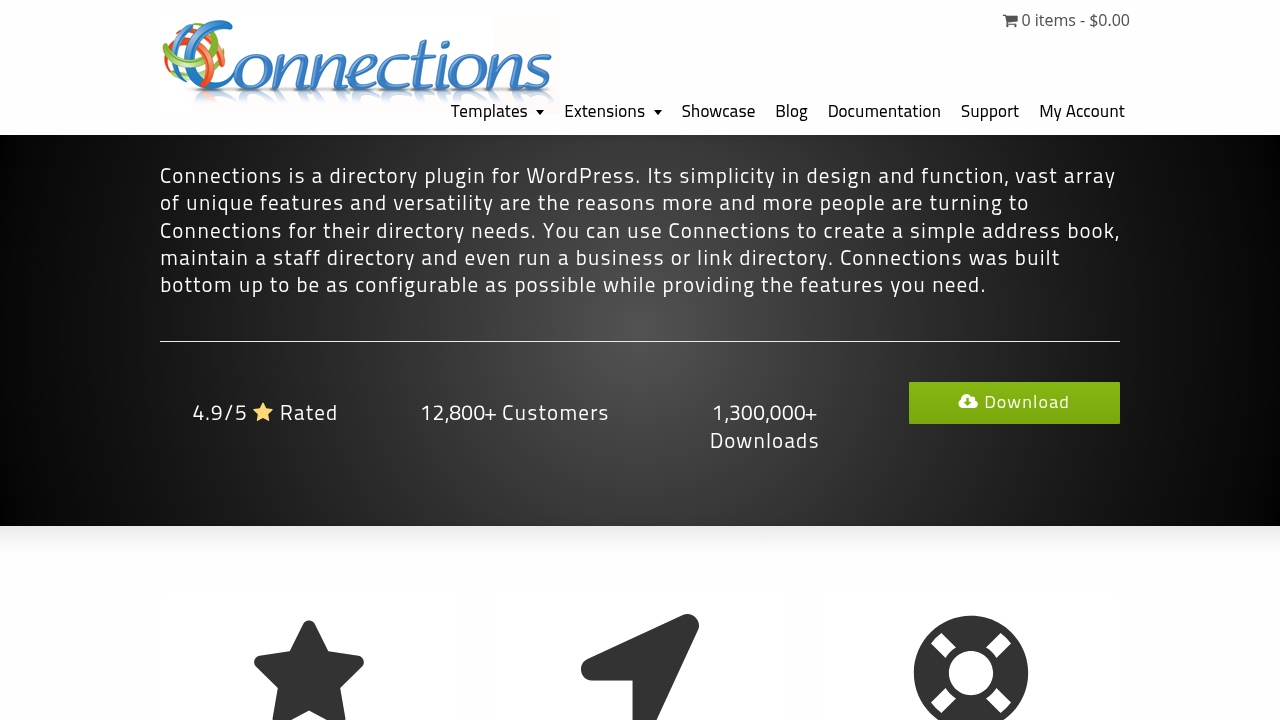
Connections Business Directory (often called Connections Pro) takes a different approach. It builds a directory that acts more like a flexible address book or digital rolodex than a heavy geolocation platform.
It is lightweight, highly compatible, and modular. You install the free core plugin, then only add the specific extensions you need.
Here is why it works and who should use it.
What is Connections Pro?
Connections is a directory plugin for WordPress designed to manage vast amounts of contact data.
Unlike competitors that force every entry to look like a standard WordPress blog post, Connections treats entries as specific data sets. It understands that a person has multiple phone numbers, a business has social media links, and a family has grouped members.
It works for:
- Business Directories: Local chambers of commerce or niche vendor lists.
- Staff Directories: Corporate intranets listing 500+ employees.
- Church Directories: Grouping members by family units (a rare feature).
- Link Libraries: Managing affiliate links or resource lists.
You don't need to hack a "Custom Post Type" to make this work. Connections handles the data structure for you.
The "Modular" Advantage
The biggest selling point is the architecture.
If you install other directory plugins, you often get a massive settings menu filled with features you will never use. Connections starts lean. The core plugin is free and handles the database, admin management, and basic display.
If you need front-end entry submission, you buy the Form extension.
If you need to bulk upload 5,000 members, you buy the CSV Import extension.
You keep your site fast by only running the code you actually need.
Standout Features
1. Repeatable Fields
This sounds boring, but it matters. In most plugins, if you want a second phone number, you have to create a new custom field called "Phone 2."
In Connections, fields are "repeatable" by default. A user can add five email addresses, three locations, or ten social media links without you needing to modify the database structure. It handles data density better than most "post-based" directories.
2. The "Family" Entry Type
This is a specific use case that makes Connections the default choice for churches and clubs. You can link individuals together into a "Family" entry.
When you view the family card, you see the parents and children listed together. Most other directory plugins cannot do this without complex custom coding.
3. Separation of Data and Design
Connections uses a template system that is separate from your WordPress theme.
You can drop a shortcode or block onto a page, and the directory renders using its own internal template (like "Gridder," "Tile Plus," or "Excerpt Plus"). This ensures the directory looks good even if you switch your main WordPress theme.
4. CSV Import
For a directory, manual entry is a dealbreaker. The CSV Import extension is robust. It maps fields intelligently and handles large datasets without timing out your server. If you are migrating from a spreadsheet or another system, this extension is mandatory.
5. Frontend Submission (Form Extension)
If you want users to manage their own profiles, the Form extension provides a drag-and-drop builder. You can set specific fields as required, allow image uploads, and hold entries for admin approval.
Real-World Use Cases
The Corporate Intranet
A company with 400 remote employees needs a searchable face book. They don't need a map or star ratings. They need to know that "John Smith" works in "Accounting" and here is his Slack handle. Connections handles this perfectly using the Team block.
The Chamber of Commerce
A local business group wants a member directory. They need to charge members for listings. By using the Link extension and a payment gateway integration (via WooCommerce or simple PayPal buttons), they create a revenue-generating business list.
The Academic Resource List
A university department lists hundreds of research papers and external links. They use Connections to categorize resources by subject, author, and year, using the Link extension to track click-throughs.
Pricing
Connections uses a "Freemium" model.
- Core Plugin: Free. (Available on the WordPress repository).
- Single Extensions: Usually $5 - $15 each.
- Pro Pack: $74.99.
This is important: The Pro Pack at $74.99 is significantly cheaper than competitors.
For example, GeoDirectory or Business Directory Plugin can cost between $199 and $299 per year for their full bundles. Connections offers the "Pro Pack" (which includes all templates and extensions) for a fraction of that price.
Note: Pricing can change. Always check connections-pro.com for the current rates.
Connections vs. The Competition
How does it stack up against the big names?
vs. GeoDirectory
GeoDirectory is built for maps. It is the best choice if you are building a Yelp clone where "Near Me" is the most important feature.
Connections is built for lists. While it can do maps, it is better suited for information-dense directories where the contact info is more important than the physical location pin.
vs. Business Directory Plugin (BDP)
BDP is a solid plugin, but it relies heavily on standard WordPress post structures.
Connections feels more like a dedicated database application running inside WordPress. It is often faster for large lists because of how it queries data.
Drawbacks and Objections
It is not perfect. Here are the things you might struggle with:
- Styling Curve: Because it uses its own template system, changing the look of a card often requires editing PHP/CSS template files if the settings don't cover your needs. It is developer-friendly, but maybe not "beginner designer" friendly.
- Not a Theme: Connections is a plugin. If you want your entire site to look like a directory, a dedicated Directory Theme might be easier out of the box. Connections is for adding a directory to a site.
Final Verdict
If you need a map-heavy, review-centric site like TripAdvisor, look elsewhere.
But if you need a reliable, scalable way to list people, businesses, or links, Connections Pro is the most cost-effective and robust tool on the market. It handles data structures that other plugins ignore.
Go here to download the free core plugin: Connections on WordPress.org
If you like how it handles data, the Pro Pack is an easy investment to unlock the frontend forms and importers.
Check out the Pro Extensions here: Connections Pro Extensions