
How to Build a Profitable Affiliate Directory In 7 Simple Steps
Discover a strategic blueprint for creating your own affiliate-powered directory. Learn how to automate, monetize, and scale your directory effectively with this comprehensive guide.

Launch Your Profitable Directory Website in Minutes - Zero Coding, Unlimited Potential
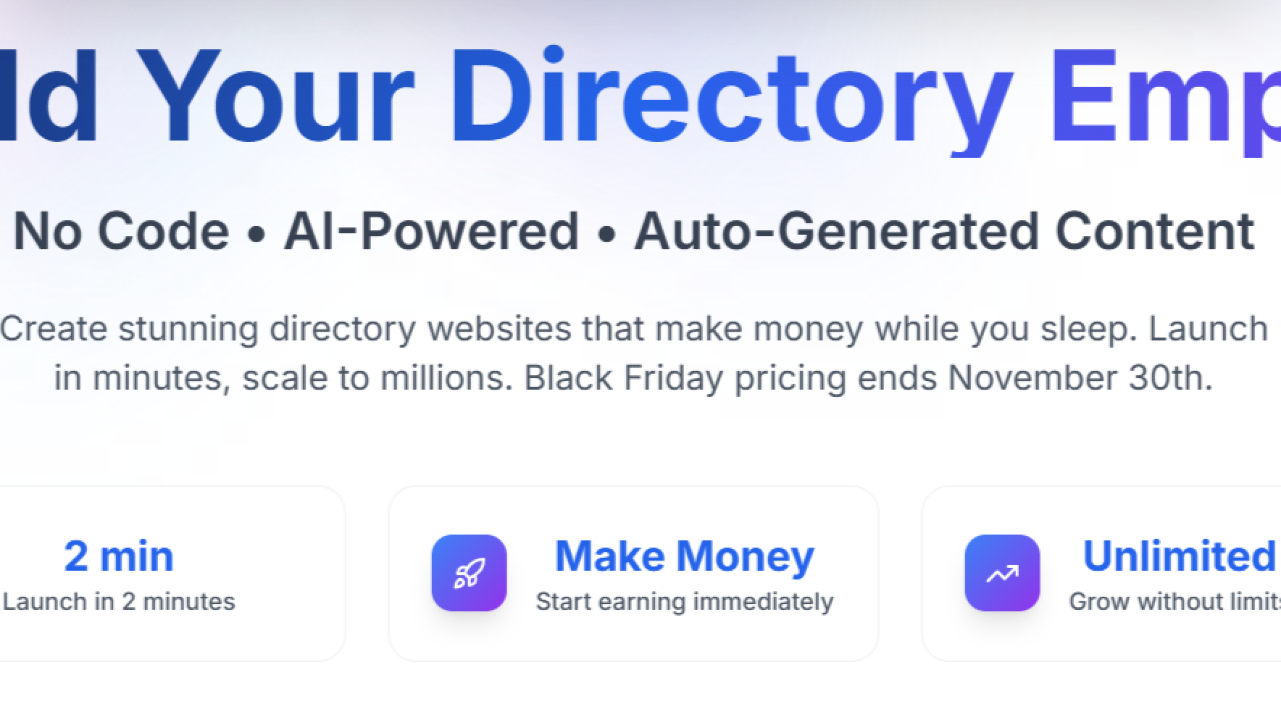
DirectoryEasy is a no-code directory builder designed for solopreneurs who want to create directory websites quickly, without any technical expertise. Whether you're building a directory for businesses, products, or niche services, DirectoryEasy offers an intuitive platform that lets you launch your directory without writing a line of code. With customizable features, monetization options, and built-in SEO tools, DirectoryEasy promises a user-friendly experience that doesn’t compromise on functionality.
If you're looking to launch a directory site to make money and rank well on Google, this tool could be the right fit for you. Keep reading to see what makes it stand out, its pricing, and why it's a solid choice for non-techies who want to start earning from a directory site.
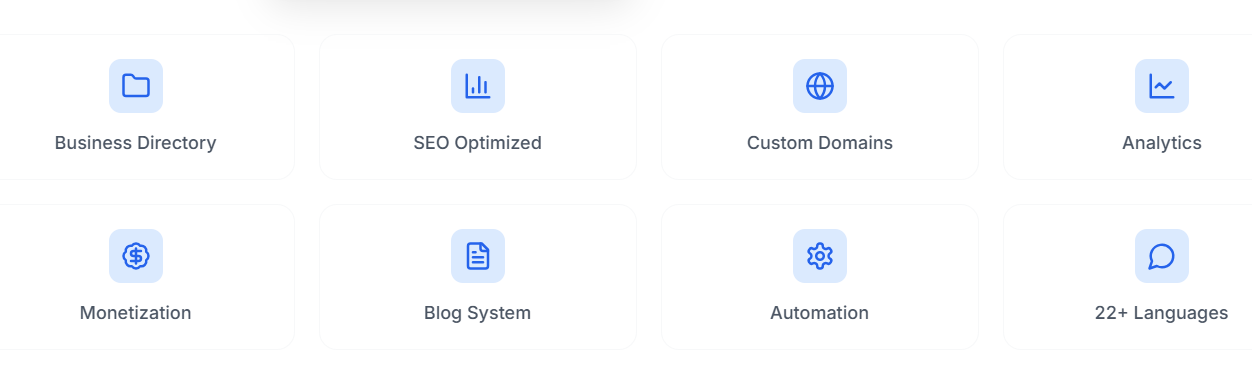
If you've ever tried to build a directory website using traditional website builders, you know how complicated it can get. You need to manage listings, create filters, ensure your site is mobile-friendly, and—if you're serious about making money—add features for paid listings or featured entries. Most website builders aren't designed for this purpose, meaning you’re either using a generic tool and spending hours customizing it or hiring a developer to help.
That’s where DirectoryEasy comes in.
DirectoryEasy is a no-code solution designed specifically for building directory websites. It removes all the complexity and provides a simple, intuitive interface where you can set up and manage your directory site in a fraction of the time it would take using traditional tools.
With DirectoryEasy, you can launch a directory website for any niche—whether you're creating a local business directory, an event directory, a service listing platform, or something more niche like a directory for freelance professionals. The key selling point of DirectoryEasy is that it allows you to launch a full-featured directory without needing any technical skills. It’s built for solopreneurs and small businesses who want to get started quickly without getting bogged down by code.
DirectoryEasy’s biggest differentiator is its no-code, all-in-one approach to building a directory site. Most website builders will give you the ability to create a general website, but with DirectoryEasy, every aspect of the platform is optimized for directories.
Here's what sets it apart:
But is it really as easy as it sounds? Let’s dig deeper into its features and real-world use cases to find out.
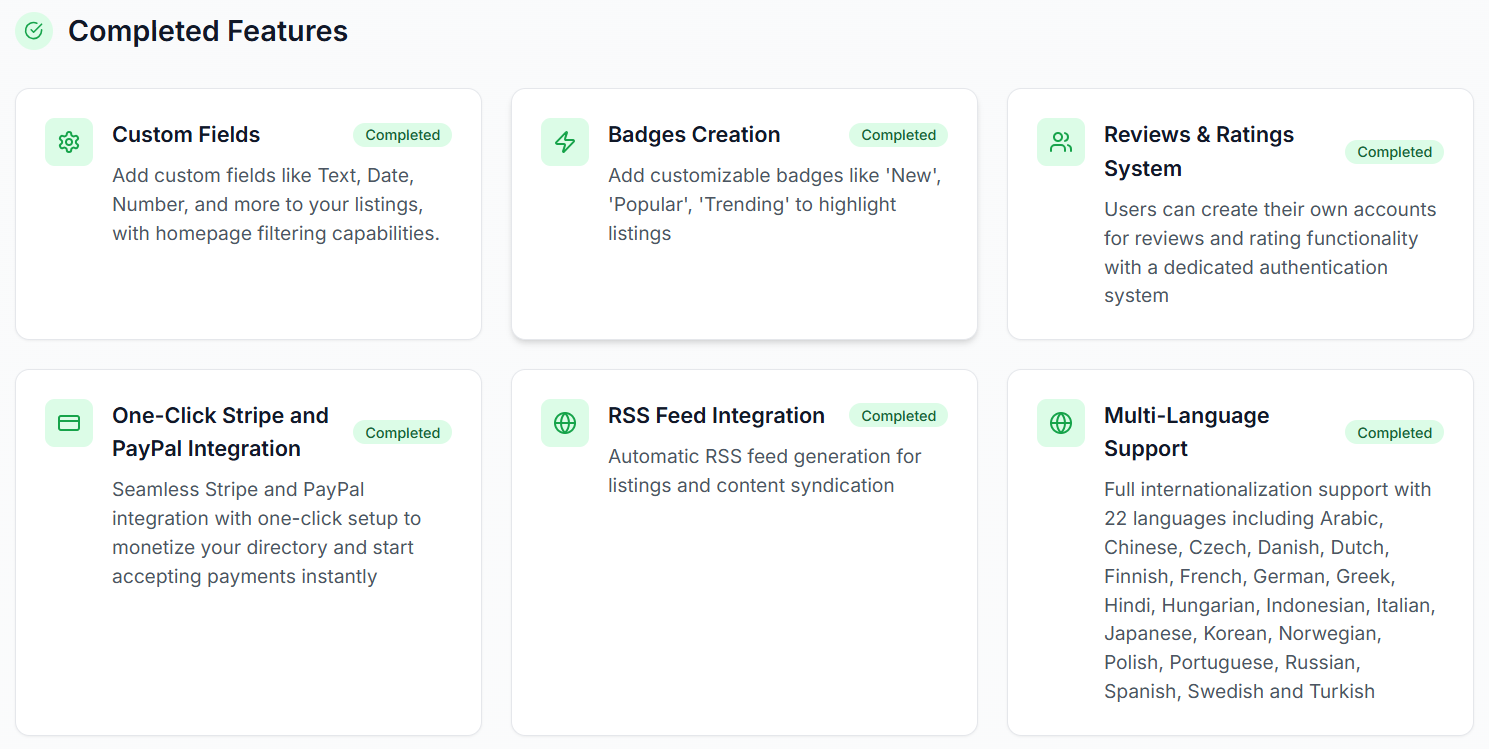
One of the standout features of DirectoryEasy is its customizable listings system. You can create "smart fields" that are tailor-made for your directory’s niche.
| Field Type | Example Use Case |
|---|---|
| Text Fields | Business name, description, address |
| Image Fields | Business logo, photos of services/products |
| Dropdown Fields | Service type, location, availability |
| Rating Fields | User ratings for services or businesses |
This flexibility makes it easy to cater to any niche, whether you’re listing food trucks, local gyms, real estate agents, or freelance designers. Plus, these fields are searchable and can be used as filters, making the experience more user-friendly for your visitors.
DirectoryEasy comes with a selection of pre-built templates that are mobile-responsive out of the box. No more worrying about whether your site will look good on all devices.
This is a huge time-saver, especially if you’re not a web designer. The templates automatically adjust based on your content, so everything from the layout to the typography looks professional without requiring much input.
One of the biggest headaches of running a directory site is SEO. DirectoryEasy takes care of all the technical aspects for you. Here's what you can expect:
| SEO Feature | Benefit |
|---|---|
| Automatic URL Generation | Clean, readable URLs for each listing |
| Schema Markup | Helps Google understand your content better |
| XML Sitemaps | Automatically generated for better indexing |
This means you don’t need to worry about manually optimizing your pages, allowing you to focus on growing your directory and adding value for your users.
If you're trying to make money with your directory, DirectoryEasy includes multiple monetization features that let you turn your directory into a revenue-generating business right from the start.
For example, if you’re building a directory for wedding vendors, you could offer basic listings for free, but charge for premium positions like “Featured Wedding Photographer” or “Top-Rated Vendor.” This allows you to scale your directory and grow your revenue over time.
One of the most appealing aspects of DirectoryEasy is its no-code approach. If you’ve ever used a content management system (CMS) like WordPress, you know how much time and energy can go into learning how to customize themes, install plugins, and manage hosting. With DirectoryEasy, you get a hassle-free experience.
The platform’s intuitive, drag-and-drop interface means that anyone, regardless of technical skill, can create and manage a professional directory website in minutes.
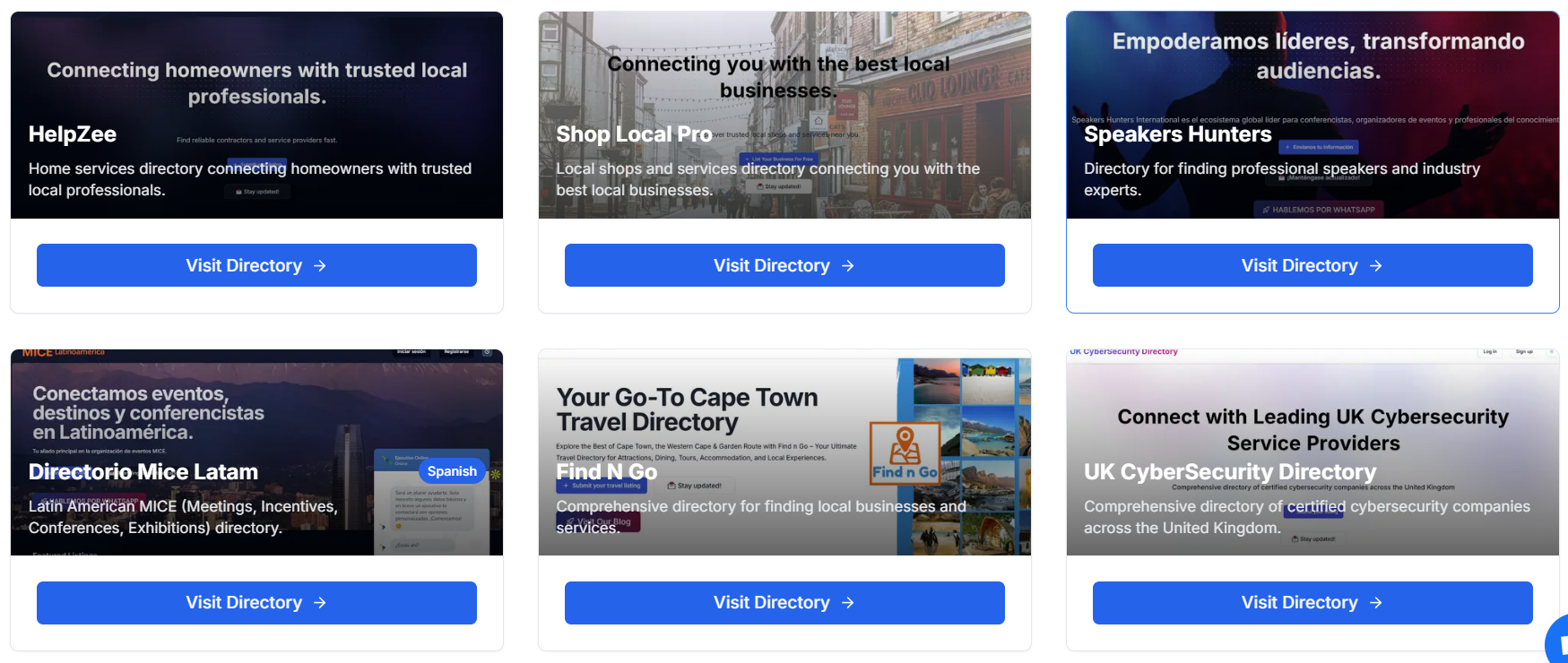
Here are some examples of how DirectoryEasy can be used in the real world:
Local Business Directories: A solopreneur in a small town creates a local business directory for her community. She uses DirectoryEasy to list businesses, categorize them by service type, and even add reviews. She generates revenue through paid listings and featured spots.
Event Directories: An entrepreneur in the events industry creates a directory for wedding planners and venues. She integrates a booking system and offers a subscription-based model for vendors who want to be listed in the directory.
Freelancer Directories: A creative professional builds a directory for freelance photographers. Freelancers can list their portfolios, and the directory owner earns money through premium placements and subscriptions.
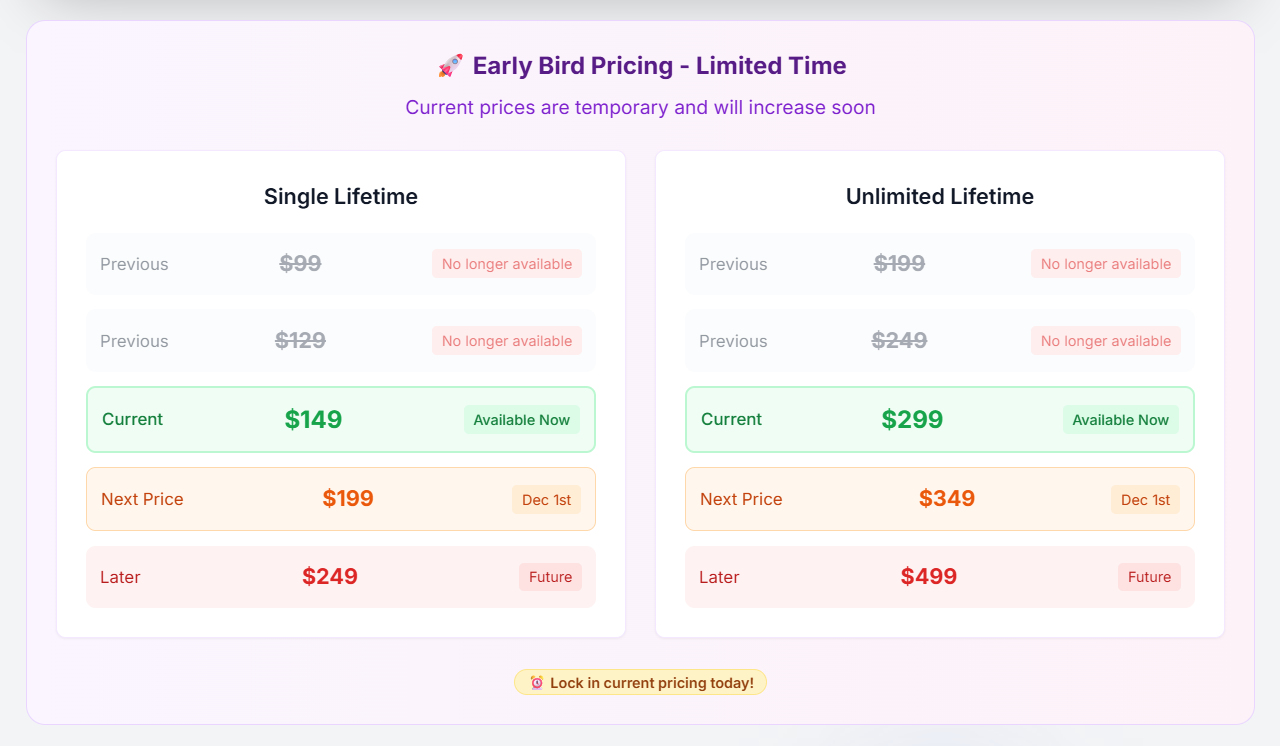
DirectoryEasy offers two pricing tiers to suit different needs:
| Plan | Price | Key Features |
|---|---|---|
| Basic Plan | $29/month | Includes unlimited listings, access to basic templates, and the ability to monetize listings |
| Pro Plan | $59/month | Includes everything in the Basic Plan, plus premium templates, advanced customization, and SEO tools |
At $29–$59 per month, DirectoryEasy offers a solid value for solopreneurs. If you were to hire a developer to create a custom directory website, it would likely cost you hundreds, if not thousands, of dollars. DirectoryEasy gives you a DIY option that’s far more affordable, and because it handles SEO, mobile responsiveness, and monetization features, you get more bang for your buck.
How does DirectoryEasy stack up against competitors like Brilliant Directories and Listify? Let’s take a look:
| Feature | DirectoryEasy | Brilliant Directories | Listify |
|---|---|---|---|
| Ease of Use | No-code, very user-friendly | More technical, requires coding | Requires WordPress setup |
| Customization Options | Smart templates, customizable data fields | Extensive but requires technical knowledge | Needs plugins for customization |
| Pricing | $29–$59/month | Higher, with limited plans | One-time purchase, but hosting fees apply |
| SEO | Automated, no effort required | Needs plugins and manual setup | Requires SEO plugins |
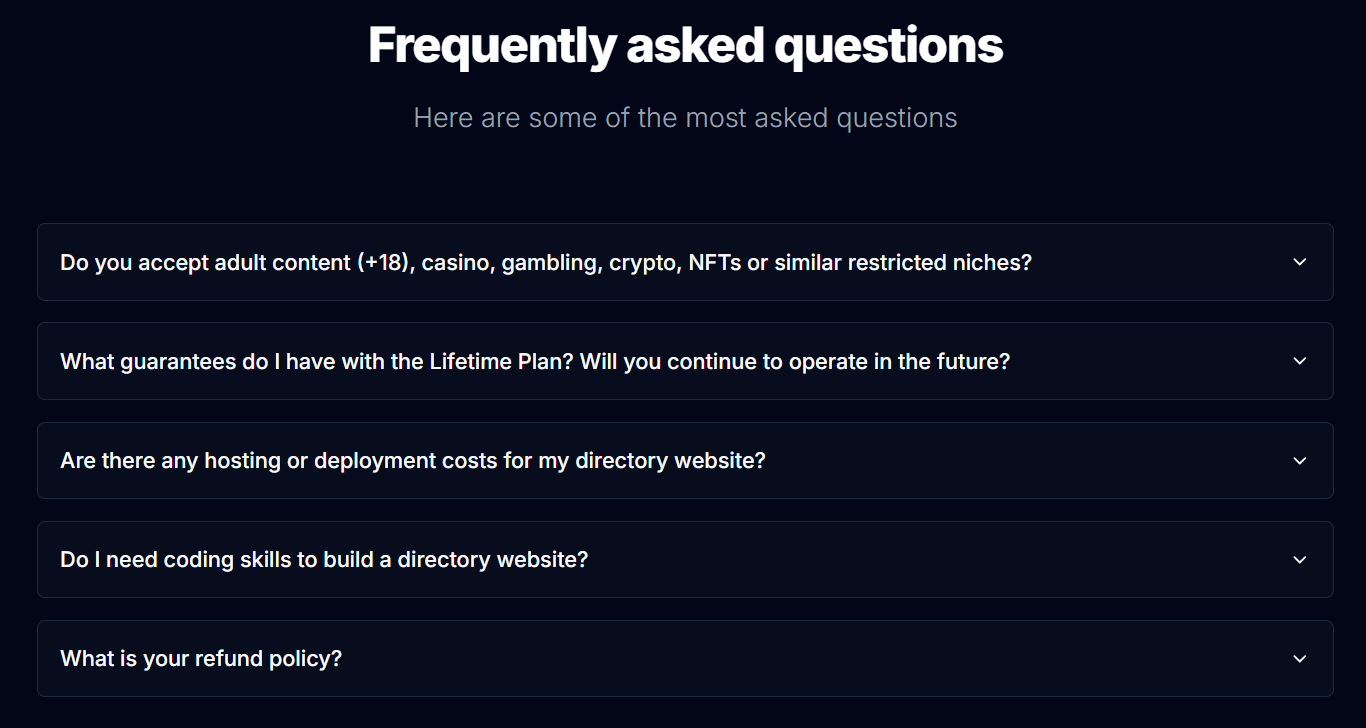
1. Do I need technical skills to use DirectoryEasy?
No, DirectoryEasy is designed to be completely no-code, so no technical expertise is required. You can build and manage your directory with ease.
2. Can I monetize my directory?
Yes, DirectoryEasy has built-in monetization tools, including paid listings, featured spots, and subscription models.
3. Is SEO handled automatically?
Yes, DirectoryEasy takes care of all the SEO basics automatically, including clean URLs, schema markup, and XML sitemaps.
DirectoryEasy is an excellent choice for solopreneurs looking to build a directory website without getting bogged down by the technicalities of traditional web development. Its simplicity, customization options, and built-in monetization features make it an appealing option for anyone looking to create a profitable online directory.
If you're ready to get started and turn your directory idea into reality, DirectoryEasy is a powerful, cost-effective tool to help you do just that.

Build your online directory with Make A Dir's no-code platform. Build and monetize professional directories in minutes!

Directify is a super-easy to use no-code directory builder. You can have multiple directory sites for a one-time payment. Click to read Directify reviews

Looking for the best directory website builder? Discover if Brilliant Directories is the right directory software to launch your business directory, membership site, or niche listing platform. Explore features, pricing, benefits, and comparisons to other directory-building tools.
Build your online directory with Make A Dir's no-code platform. Build and monetize professional directories in minutes!

eDirectory is a no-code platform to build member-based directories. Here's what we think about eDirectory.

Create, customize, and monetize professional directories with no code. Powerful features, beautiful design, launch in minutes.
Discover a strategic blueprint for creating your own affiliate-powered directory. Learn how to automate, monetize, and scale your directory effectively with this comprehensive guide.

Discover the three main types of directories you can build, from affiliate to local and user-generated content. Learn how to select the right software to avoid pitfalls.

Discover the advantages of using Brilliant Directories for creating your member directory. Learn about its features, benefits, and why it's a smart choice for your business.

Struggling with Brilliant Directories? This is how skilled Brilliant Directories Developers can help you create an interactive online directory or membership website without the stress.
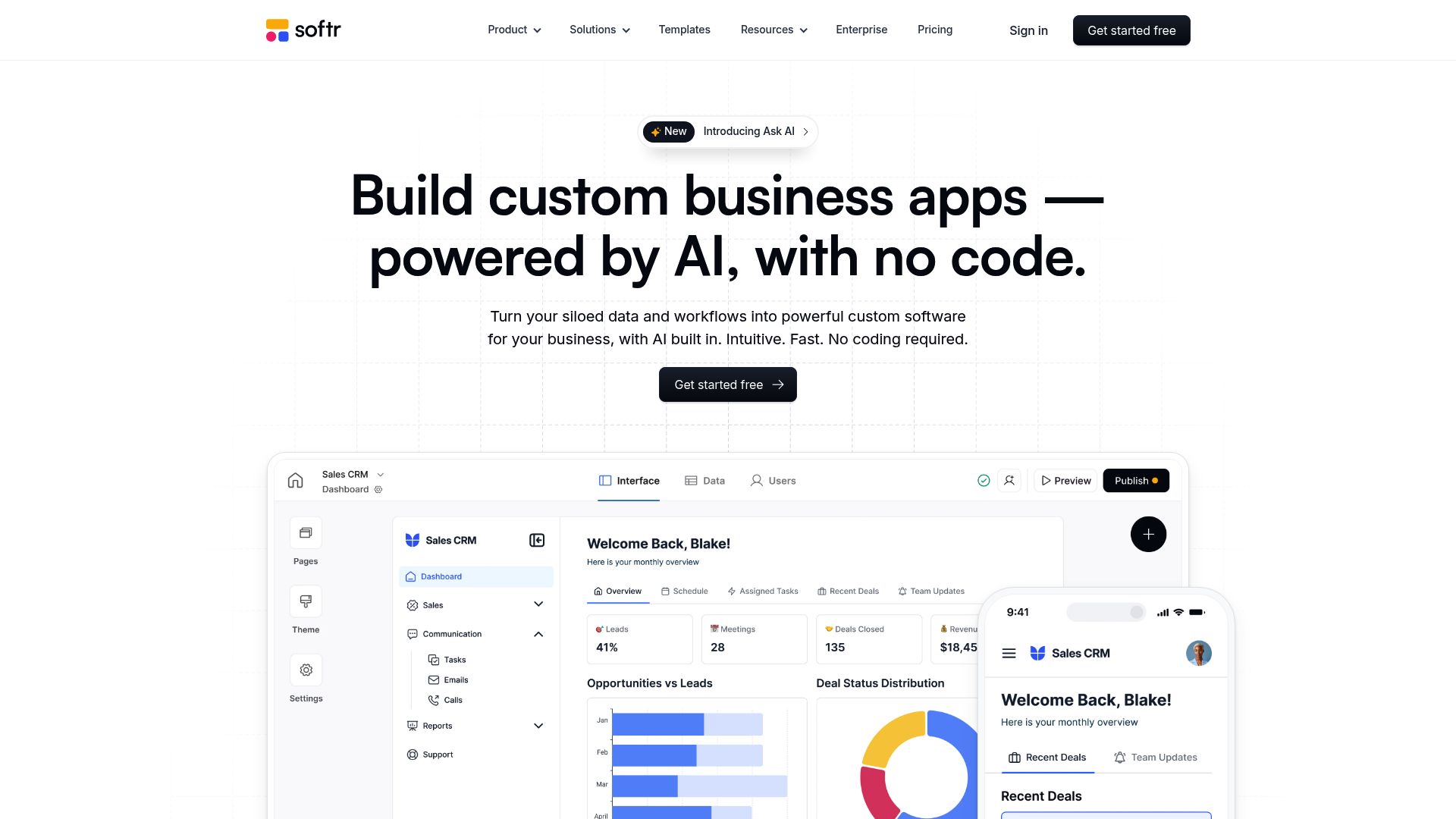
Discover how to create and monetize your own directory site using Softr and Airtable. Learn to launch a scalable online business that generates passive income within days, without the need for coding or hiring developers.

Explore the potential of online directories as a viable business opportunity in 2026. Discover trends, challenges, and strategies for success in the digital marketplace.

Discover the key features that constitute a good online directory and learn effective strategies for creating one that stands the test of time. Enhance user experience and visibility with our comprehensive guide.