
Brilliant Directories: A Smart Choice for Building a Member Directory?
Discover the advantages of using Brilliant Directories for creating your member directory. Learn about its features, benefits, and why it's a smart choice for your business.

Powerful no-code directories & listings in an instant
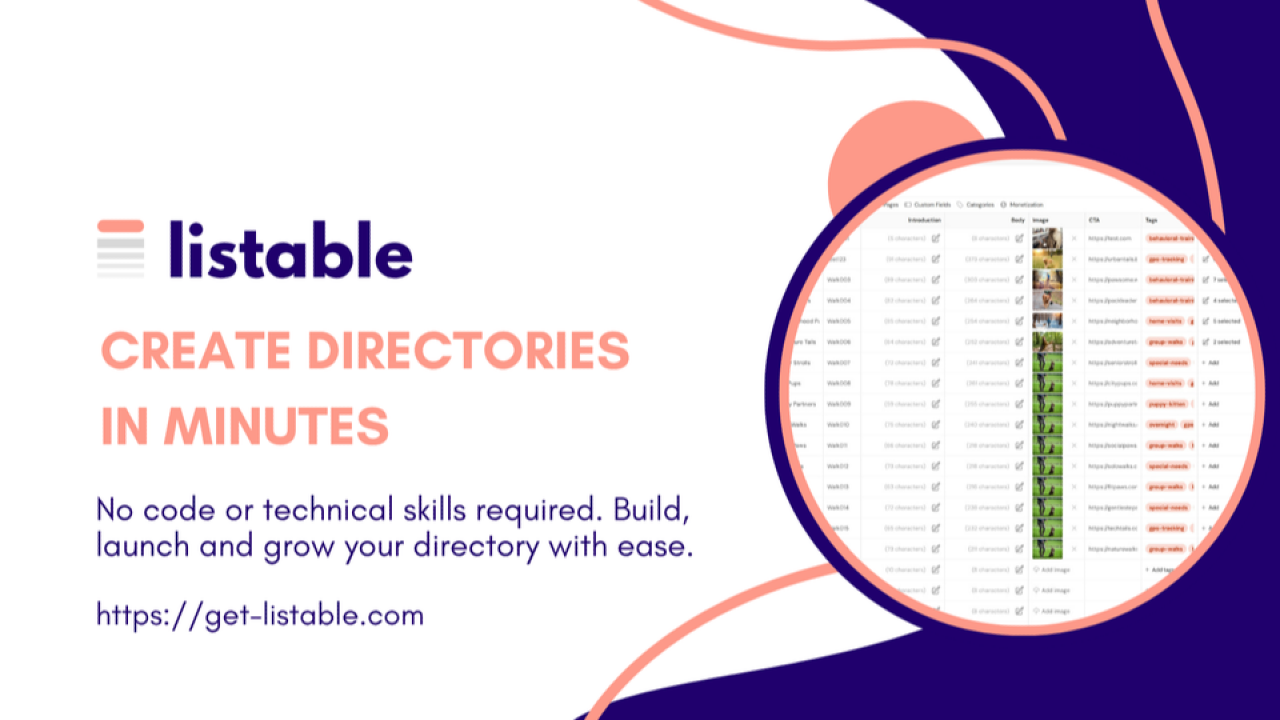
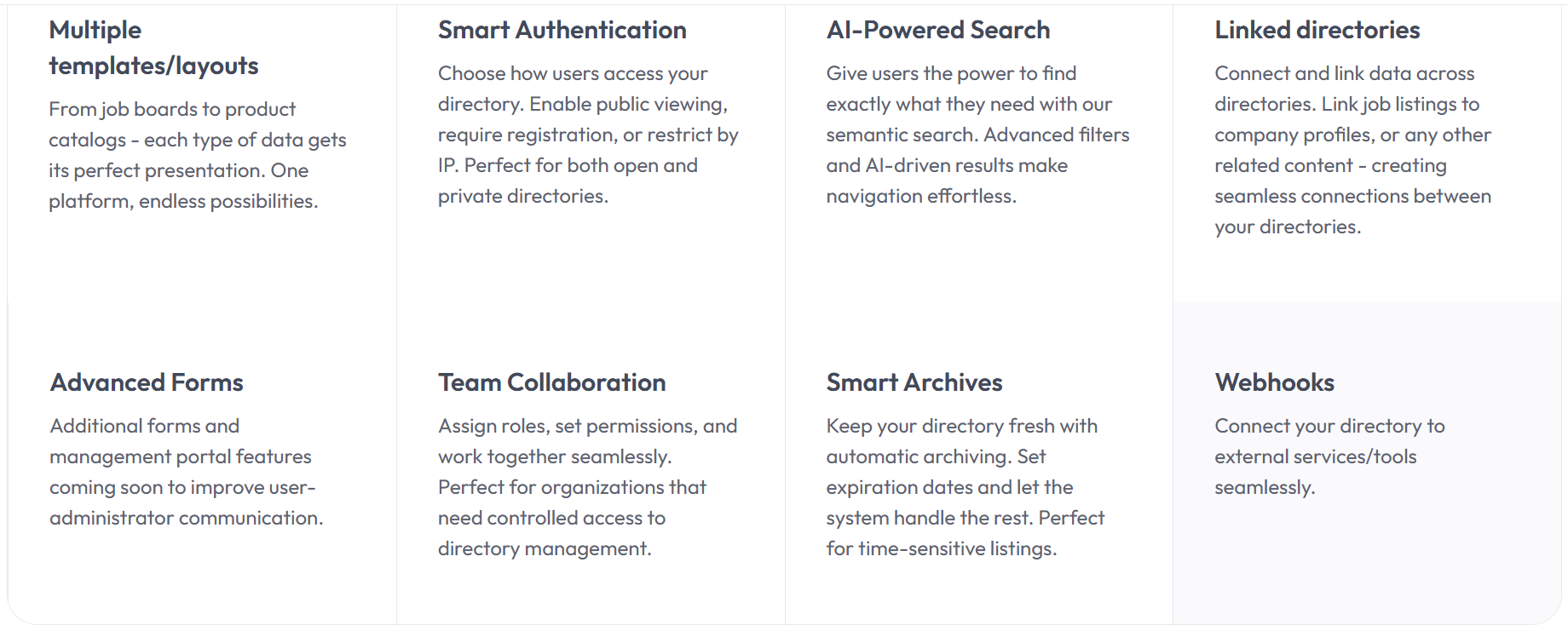
Get Listable is a hosted, no-code directory builder built for solopreneurs who want to launch a profitable, SEO-friendly directory website—without managing hosting, plugins, or maintenance. It’s simple, fast, affordable, and gives you the tools you need to build a real, revenue-generating directory. If you want to start a niche directory and don’t want the technical headaches, this platform is one of the best ways to get moving.
If you've ever thought, “I want to build a directory—BUT I don’t want to deal with hosting, plugins, WordPress updates, or debugging PHP,” then Get Listable is basically the answer to that internal monologue.
It’s a hosted, no-code platform where you create a niche directory, customise it, import listings, monetise it, and grow—without touching a server.
As someone who has built directories the “traditional” way, I appreciate what this eliminates: plugin conflicts, hosting issues, and hours of maintenance. If you want to focus on traffic, SEO, monetisation, and niche strategy—not infrastructure—this is the kind of tool that saves your sanity.
Most directory tools are themes or plugins. Get Listable is fully hosted. That means:
You log in and build.
You can:
This is a big deal for solopreneurs who want an income-producing site—not just a pretty page.
Directories rank well when the structure is clean. Get Listable automatically creates:
All the essentials for ranking.
Some no-code tools pretend to be easy but still require technical knowledge. Get Listable genuinely feels simple. You can set up a directory in one afternoon—even if you're not a “web person.”
 ![]
![]
| Feature / Tool | Get Listable | WordPress Themes | Brilliant Directories | Other No-Code Tools |
|---|---|---|---|---|
| Hosting Included | ✅ Yes | ❌ No | ❌ No | ❓ Sometimes |
| No-Code Setup | ✅ True no-code | ⚠️ Not exactly | ❌ More technical | ⚠️ Varies |
| Bulk Import | ✅ Built-in | ⚠️ Plugin needed | ❌ Limited | ⚠️ Varies |
| Monetisation | ✅ Native | ⚠️ Plugin-step dependent | ❌ Higher cost | ⚠️ Basic |
| Custom Fields | ✅ Simple | ⚠️ Plugin-reliant | 🚫 Fixed fields | ⚠️ Limited |
| SEO Strength | ⭐⭐ Strong | ⭐ Moderate | ⭐ Moderate | ⚠️ Mixed |
| Best For | Solopreneurs | Developers | Agencies | Beginners |
This second table shows how “deep” or advanced each feature is inside Get Listable — a quick way to show what’s strong, what’s solid, and what’s not meant for enterprise use.
| Feature Category | Depth Rating | What It Means |
|---|---|---|
| Listing Management | ⭐⭐⭐⭐ Strong | Full tools: bulk import, custom fields, filters |
| Monetisation | ⭐⭐⭐⭐ Strong | Paid listings, featured placements, multiple plans |
| Design Customisation | ⭐⭐⭐ Moderate | Branding, colours, layouts (but not full custom CSS frameworks) |
| SEO Tools | ⭐⭐⭐⭐ Strong | Clean URLs, fast hosting, category structures |
| Integrations | ⭐⭐ Basic | Payments + basic connections; not an API-heavy tool |
| Enterprise Features | ⭐ Minimal | Not built for huge SaaS-level workflows |
| Ease of Use | ⭐⭐⭐⭐⭐ Excellent | Genuinely no-code and beginner-friendly |
This table helps clarify expectations: Get Listable excels in the areas most solopreneurs actually care about—speed, monetisation, SEO, and ease of setup—while intentionally avoiding heavy enterprise complexity.
Here are real-world sentiment highlights:
“I built and launched my directory in one weekend. Never would’ve happened on WordPress.”
“The import tool alone was worth the subscription.”
“It’s simple enough for non-tech folks but powerful enough to feel professional.”
These are the themes: speed, simplicity, and “it just works.”
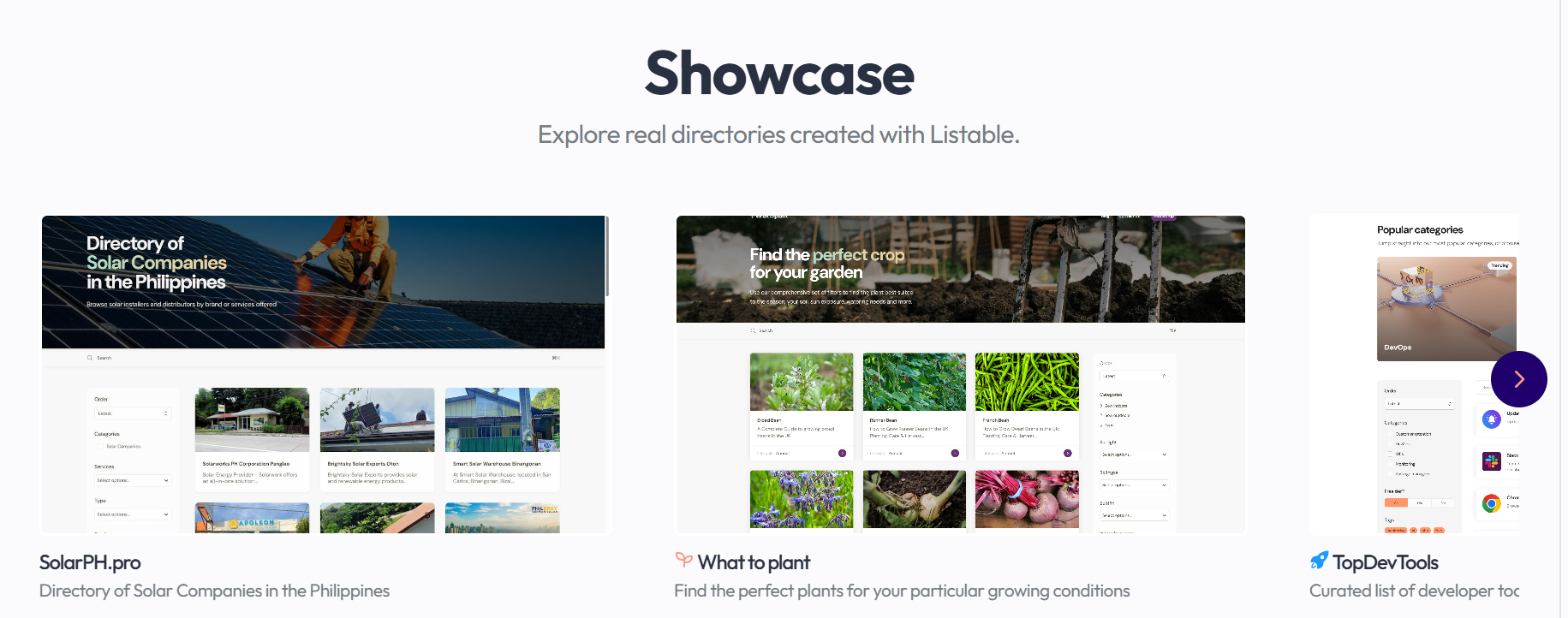
A niche like Eco-Friendly Cafés in Chicago:
A clean, monetisable directory in under 48 hours.
Example: Freelance Drone Operators Directory:
Perfect for lead-gen + recurring revenue.
Example: Best Yoga Studios in Europe:
Ideal for lifestyle niches.
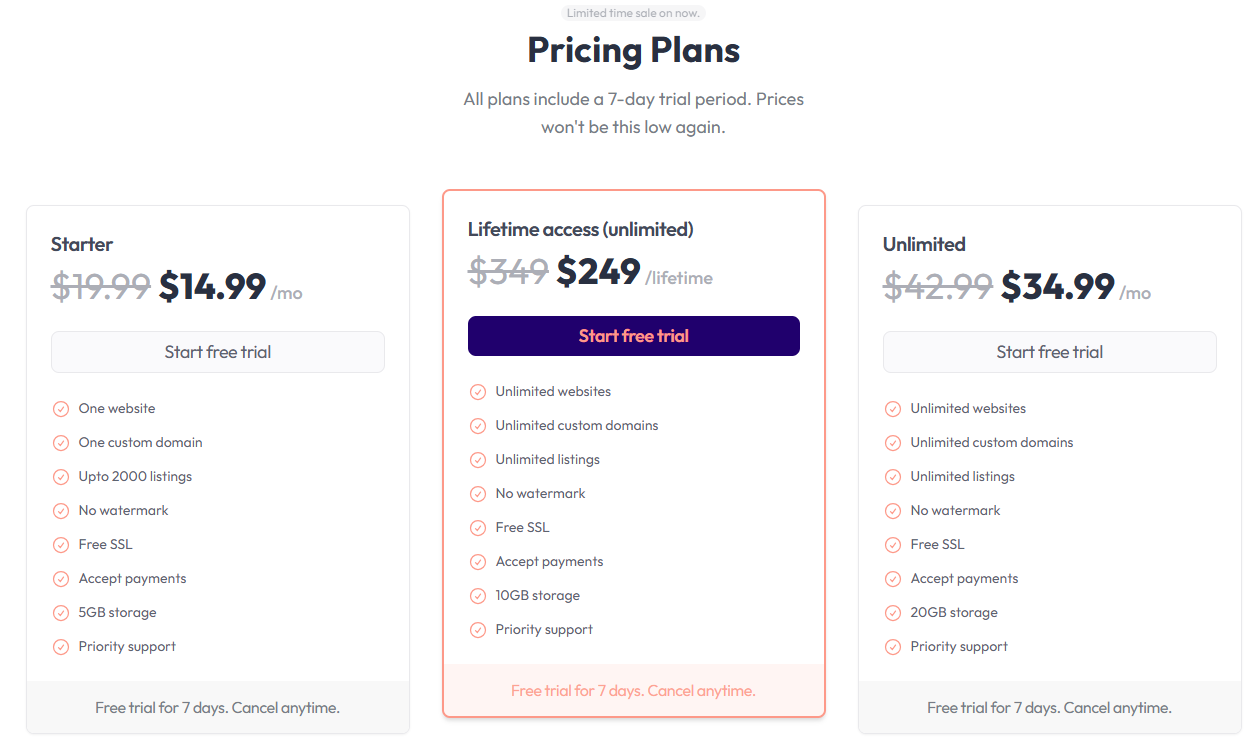
For most solopreneurs: absolutely. One paying listing can offset the monthly fee.
The real value is the complete removal of:
You buy yourself time—and time is the real ROI.
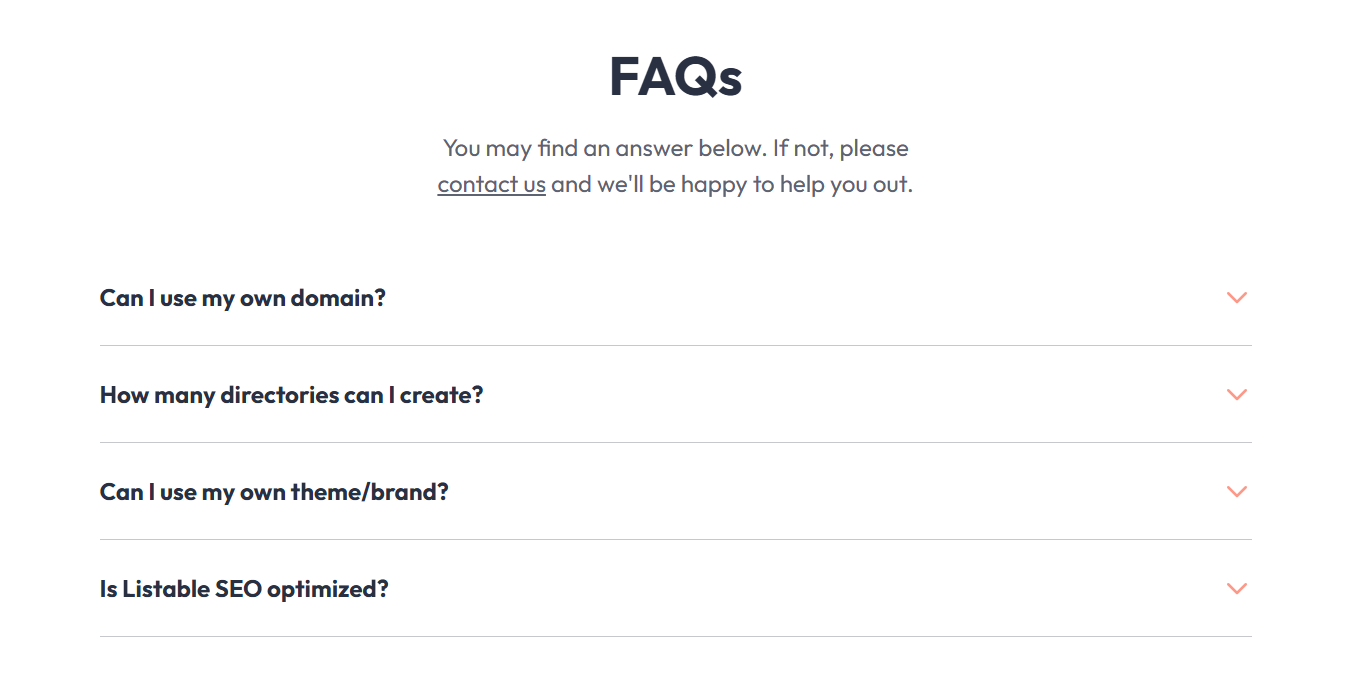
Do I need to code? No. The entire platform is no-code.
Can I monetise my directory? Yes—paid listings and featured listings are built-in.
Can I connect my own domain? Yes, full support with SSL.
How do I import many listings? Bulk import via CSV or JSON.
Is there a free plan? No—there’s a trial instead.
Can I migrate away later? Yes, your data can be exported.
Get Listable is one of the most practical, approachable, and efficient tools for solopreneurs who want to build a profitable directory website without drowning in technical tasks. It’s fast, clean, SEO-friendly, and monetisation-ready right out of the box.
If you want to launch a directory and actually focus on growing it—instead of fixing it—this is a strong, bookmark-worthy tool.

Directify is a super-easy to use no-code directory builder. You can have multiple directory sites for a one-time payment. Click to read Directify reviews

eDirectory is a no-code platform to build member-based directories. Here's what we think about eDirectory.

Looking for the best directory website builder? Discover if Brilliant Directories is the right directory software to launch your business directory, membership site, or niche listing platform. Explore features, pricing, benefits, and comparisons to other directory-building tools.

Build your online directory with Make A Dir's no-code platform. Build and monetize professional directories in minutes!
eDirectory is a no-code platform to build member-based directories. Here's what we think about eDirectory.

Create, customize, and monetize professional directories with no code. Powerful features, beautiful design, launch in minutes.
Discover the advantages of using Brilliant Directories for creating your member directory. Learn about its features, benefits, and why it's a smart choice for your business.

Discover a strategic blueprint for creating your own affiliate-powered directory. Learn how to automate, monetize, and scale your directory effectively with this comprehensive guide.

Explore our in-depth review of GeoDirectory, the premier WordPress directory plugin designed for location-based business listings. Learn about its unique features, pricing, and how it compares to other directory plugins like Business Directory Plugin and Directorist.
Discover how to create and monetize your own directory site using Softr and Airtable. Learn to launch a scalable online business that generates passive income within days, without the need for coding or hiring developers.

Discover how to create effective listicles for your directory site using MakeADir's Dynamic Collections. Learn the cognitive science that makes list-based content so engaging and shareable.

Discover the key differences between Unicorn Platform and eDirectory in our detailed comparison. Learn which no-code website is the best option for your next directory project.

Explore a comprehensive analysis of the best platforms for building your niche directory. Understand the benefits and trade-offs of WordPress, custom solutions, and SaaS options to make an informed decision.
Explore our in-depth review of UnicornPlatform, a unique no-code tool tailored for building directory and listing websites. Discover its features, templates, and how it simplifies the design process for niche directories.
Explore the benefits of using WordPress plugins versus no-code platforms to create an effective niche directory. Discover how to target specific markets and connect businesses with their ideal customers.

Discover the three main types of directories you can build, from affiliate to local and user-generated content. Learn how to select the right software to avoid pitfalls.

Struggling with Brilliant Directories? This is how skilled Brilliant Directories Developers can help you create an interactive online directory or membership website without the stress.

How Unicorn Platform simplifies the process of creating niche affiliate directories quickly and efficiently without coding. Learn about the pros and cons of Unicorn Platform.
Explore DirectBase, the simplest platform to quickly launch a directory. Learn about its features, benefits, and how it can streamline your directory creation process.
Explore how Directorist, a powerful WordPress plugin, empowers businesses to create and manage online directories efficiently. Discover its core strengths, practical benefits, and trade-offs in our comprehensive review.