Octoparse | Visual Desktop Scraper With 50,000 Free Rows a Month
About
A point-and-click desktop scraper whose free plan exports up to 50,000 rows a month across 10 tasks. Paid plans move extraction to the cloud with IP rotation and CAPTCHA solving.
Octoparse's free plan exports up to 50,000 rows a month.
Read that again, because most people skim past it. Not 500 rows. Not a 14-day trial. Fifty thousand rows a month, across 10 saved tasks, without a credit card.
For context, a well-built niche directory is usually somewhere between 500 and 5,000 listings. The free tier covers that ten times over, every month, forever.
So the interesting question with Octoparse is not whether to pay. It is whether you ever need to.
What it is
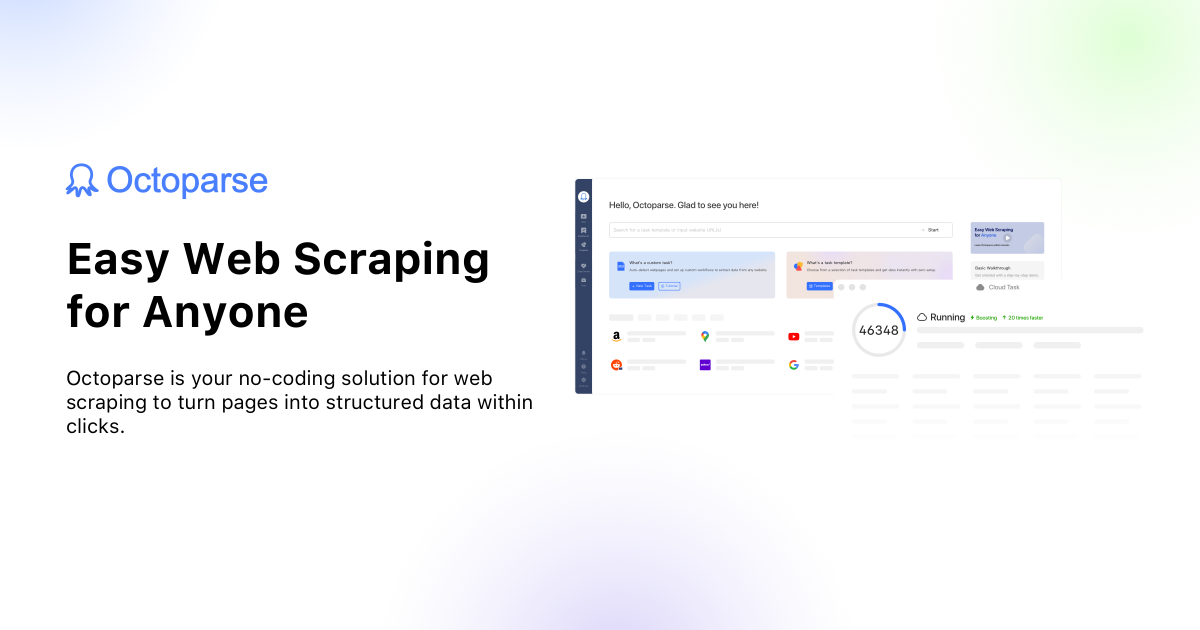
Octoparse is a desktop application. You install it, and it opens a built-in browser.
You navigate to the page you want. You click on a business name, and Octoparse highlights every other business name on the page because it recognized the pattern. You click the address, the phone, the website. Then you click "next page" once to teach it pagination, and press run.
It is the same point-and-click idea as Browse AI, with one meaningful architectural difference: by default it runs on your machine, not in the cloud.
That difference is the whole pricing model, so it is worth understanding.
Local extraction versus cloud extraction
On the free plan, extraction is local. Your computer does the work, using your IP address and your bandwidth. The app has to stay open.
That is fine for a directory build. You start a scrape, go make coffee, come back to a CSV. Nobody cares that it took forty minutes.
Cloud extraction, on paid plans, moves the job to Octoparse's servers. Your machine is free, jobs run on a schedule without you, and requests go through rotating IPs with CAPTCHA solving attached.
Here is the honest framing. Local extraction is slower and gets blocked more easily on defended sites. Cloud extraction is the thing you are actually buying when you upgrade. The row limit is rarely what pushes people to pay. Getting blocked is.
Pricing
| Plan | Monthly | Annual (per month) | Tasks | Concurrent cloud runs |
|---|---|---|---|---|
| Free | $0 | $0 | 10 | Local only |
| Standard | From $69 | $58 | 100 | 3 |
| Professional | $249 | $209 | 250 | 20 |
Annual billing saves 16%. Paid plans carry a 5-day money-back guarantee, which is short, so test properly inside it.
Professional adds cloud integrations that push results straight into Google Sheets, Dropbox or S3, plus a fuller API. If your directory reads from a Sheet, that connection removes the last manual step in the pipeline.
There are discounts worth asking about if they apply to you. Startups can get 30% off a year, and there is an education rate.
Why this is the tool for a first directory
Most people building their first directory have not yet proven the idea makes money. Spending $200 on data before you have a single visitor is how projects die of overhead.
Octoparse inverts that. You can build a complete 3,000-listing directory, launch it, run it for six months, and find out whether anyone cares, without paying for the data at all. If it works, you upgrade. If it doesn't, you lost time rather than money.
That sequencing matters more than any feature comparison. The tools that let you find out cheaply are worth more at the start than the tools that scale well at the end.
Where it beats the alternatives
Against Apify: no per-row metering. Apify is excellent but it bills against credits, and a careless run costs real money. Octoparse's free tier has a ceiling, not a meter, so you cannot accidentally spend $40 on a misconfigured scrape.
Against Browse AI: more control. Browse AI infers a lot for you, which is fast but occasionally wrong. Octoparse exposes the workflow it built, so when a scrape returns half-empty columns you can open the steps and see exactly which one failed.
Against writing your own: no maintenance. The usual argument, and it still holds.
Where it does not fit
The desktop app is Windows-first. There is a Mac version, but the Windows build gets features earlier and has fewer rough edges. If you are on a Mac, test before committing.
The learning curve is real. Browse AI is easier for a complete beginner because it hides the workflow. Octoparse shows it to you, which is more capable and less friendly. Expect an hour of fumbling on your first task.
Local extraction gets blocked. Scraping a defended site from a single home IP address will trip protections that cloud extraction with rotating proxies would sail through. This is the practical limit of the free plan, and you find it quickly on the harder targets.
Common questions
Is the 50,000 row limit really per month?
Yes, it resets monthly on the free plan, and it applies to data export. Ten saved tasks and one device are the other free-tier constraints, and the device limit is the one people hit first if they work across a laptop and a desktop.
Can I schedule scrapes on the free plan?
Not meaningfully. Scheduling is the point of cloud extraction, which is a paid feature. On free you start runs yourself. For a one-time directory seed that is fine. For ongoing monitoring you want cloud, or you want Browse AI.
Does it handle infinite scroll?
Yes. You configure a scroll action in the workflow, set how many times it repeats, and it works through the loaded results.
Will it get me emails?
Only if the emails are on the page. Most business listings don't publish them. The standard pattern is to scrape the website URL here, then run those domains through a finder like Hunter.io as a second pass.
What happens if the source site redesigns?
Your task breaks and you rebuild it. Same as every scraper. The upside of Octoparse's visible workflow is that fixing it usually means re-selecting one field rather than starting over.
Verdict
Octoparse is the tool I would point someone to when they have a directory idea, no budget, and no proof the idea works yet.
The reasoning is simple. The most expensive mistake in directory building is spending money before you know whether the niche has data and whether anyone wants it. Octoparse answers both questions for nothing, at a scale most projects never exceed.
Install it. Point it at your niche. If the free plan carries you all the way to a live, populated, earning directory, that is not a limitation you worked around. That is the tool doing its job.
Location & Contact
Contact
Octoparse | Visual Desktop Scraper With 50,000 Free Rows a Month