
3 Types Of Modern Directories
Discover the three main types of directories you can build, from affiliate to local and user-generated content. Learn how to select the right software to avoid pitfalls.

Professional directory website development for creators and entrepreneurs. Fast, SEO-optimized, custom-built directory platforms.
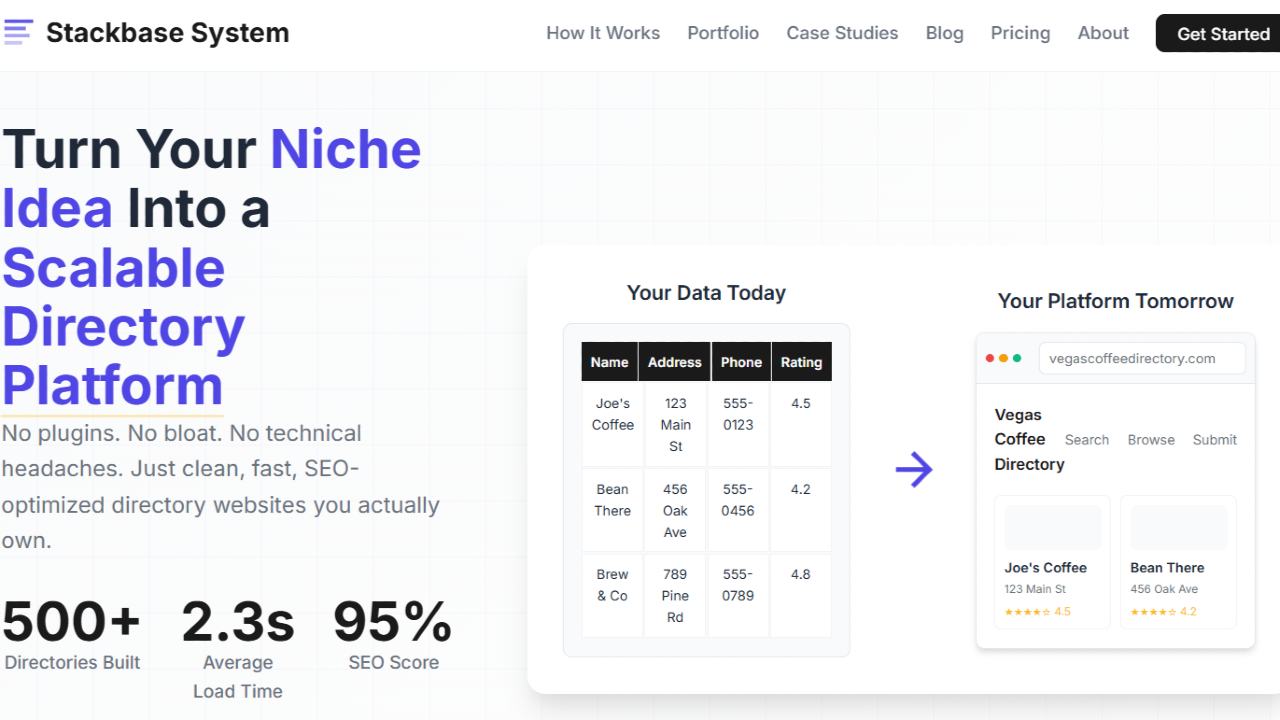
Stackbase System is a no-code directory-building framework built specifically for solopreneurs who want to create profitable, SEO-friendly directory websites without battling plugins, messy CMS structures, or constant rework. It gives you a proven architecture, templates, SEO foundations, monetization models, and training — all designed around the realities of directory-building. Compared to general no-code tools or bloated WordPress plugins, Stackbase is more structured, more scalable, and far easier to maintain.
Stackbase System is a structured system for building directory websites. Not a theme, not a plugin soup, not a “figure it out yourself” no-code builder — a complete blueprint for how a directory should be built.
If you’ve ever tried to build a directory on WordPress or Webflow, you’ve probably run into one or more of these:
Stackbase fixes those problems by giving you a polished, structured system where everything fits together.
Here’s a quick table summarizing how Stackbase compares to common directory-building approaches:
| Feature / Need | Stackbase System | WordPress Directory Plugins | No-Code Tools (Softr, Webflow, etc.) | Brilliant Directories |
|---|---|---|---|---|
| SEO Structure | Excellent – baked in at every level | Mixed – depends on plugins | Good, but manual | Good but rigid |
| Ease for Beginners | High | Medium | Medium/High | Low/Medium |
| Performance at Scale | High | Low/Medium | Medium | High |
| Structure & Framework | Pre-built and optimized | Build yourself | Build yourself | Pre-built but restrictive |
| Customization | Flexible | Endless (but chaotic) | Flexible | Limited |
| Monetization | Integrated | Depends on plugins | Requires manual setup | Built-in |
| Total Cost | One-time | Ongoing plugin + hosting | Monthly | High upfront + ongoing |
| Best For | Solopreneurs wanting a clean, scalable system | Tinkerers | DIY builders | Directory operators with bigger budgets |
Stackbase is basically the middle ground between too much freedom and too much restriction.
If your plan is to:
…then Stackbase is a fantastic fit.
If you’re trying to build a two-sided marketplace with bookings or messaging, look elsewhere. Stackbase is built around directories, not marketplaces.
Here’s a quick table of benefits and why each one matters:
| Benefit | Why It Matters |
|---|---|
| Pre-built CMS hierarchy | No more guessing how listings relate to categories, tags, or regions |
| SEO templates & schema | Google actually understands your site instead of guessing |
| Monetization models included | You can start earning from day one |
| Designed for speed | Directories get heavy — this system keeps things fast |
| Training included | You don’t just get a template — you get the method |
| Flexible design system | Change the look without breaking the structure |
And those benefits aren’t theoretical — they show up in real user experiences.
One Redditor summed it up perfectly:
“Stackbase took the guesswork out of building my niche directory. I stopped tinkering and actually started launching.”
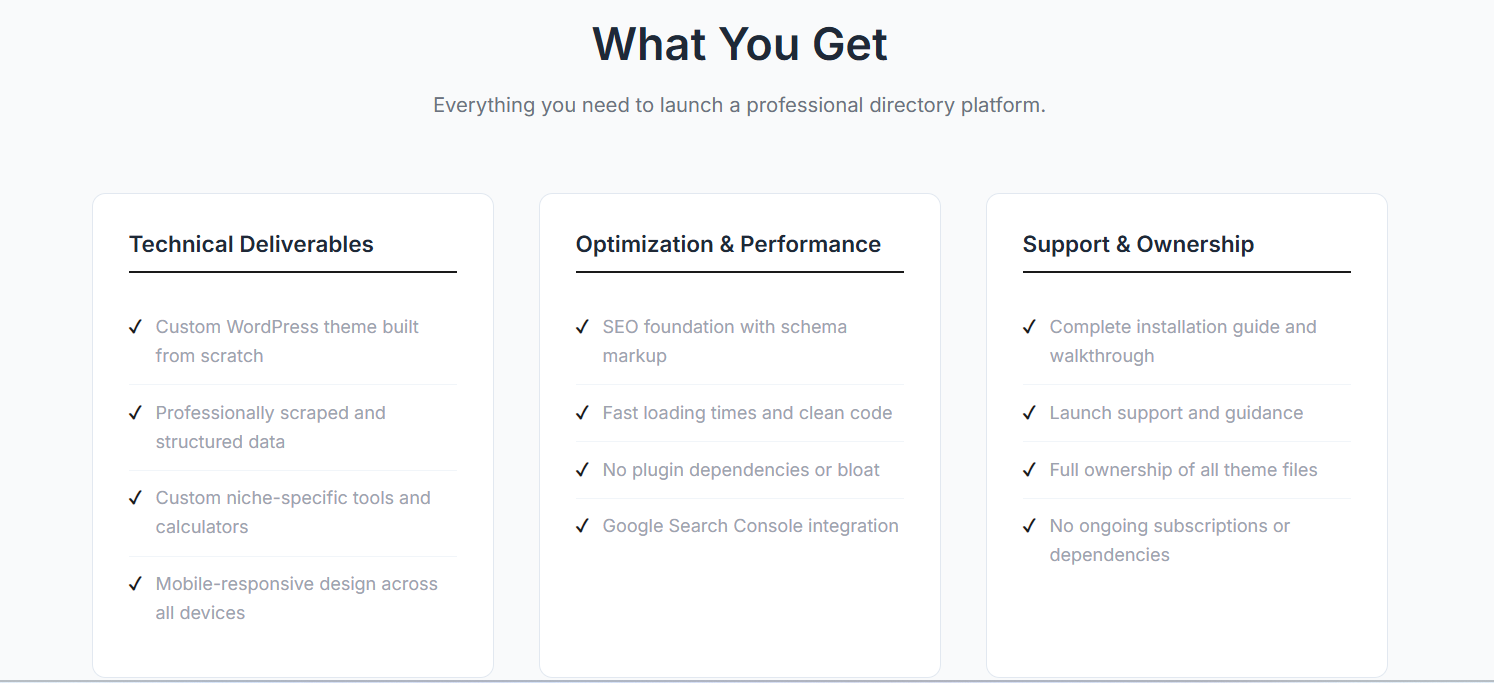
Stackbase System includes a collection of pre-built assets and frameworks that save months of trial and error. Below is a breakdown in table form so you can skim quickly.
| Category | What You Get | Why It Matters |
|---|---|---|
| CMS Architecture | Listings, categories, tags, features, regions, relationships | Prevents data chaos as your site grows |
| Templates | Listing pages, category pages, homepage, search results | Professionally structured & SEO-friendly |
| Search System | Multi-filter, faceted navigation, sort options | Makes your directory usable at scale |
| Submission System | User submission forms, edit flows, upgrade options | Enables community-driven growth |
| SEO Framework | Title/meta variables, schema markup, URL structures | Crucial for ranking thousands of pages |
| Design System | Modular, editable components | Change colors/brand without breaking things |
| Training Library | Niche selection, SEO strategy, monetization guides | Teaches you how to build a profitable directory |
One customer review said:
“The SEO structure alone was worth the price. I’d been fumbling for months until this system laid it out.”
Here are some common directory use cases and how Stackbase fits into each:
| Directory Type | How Stackbase Helps |
|---|---|
| Local business directories | Region-based SEO & category hierarchy already built-in |
| Industry resource directories | Perfect for structured data with filters & tags |
| Review directories | Supports rich content, ratings, and comparison fields |
| Affiliate directories | Clean outbound linking + space for affiliate CTAs |
| Niche hobby/interest directories | SEO-first architecture attracts organic traffic |
| UGC/submission-driven sites | Submission system makes this easy |
And because the structure is already optimized, you get to skip the “is this the right way to set up my categories?” doubts.
Stackbase System uses a one-time pricing model — no subscriptions, no surprise monthly renewals.
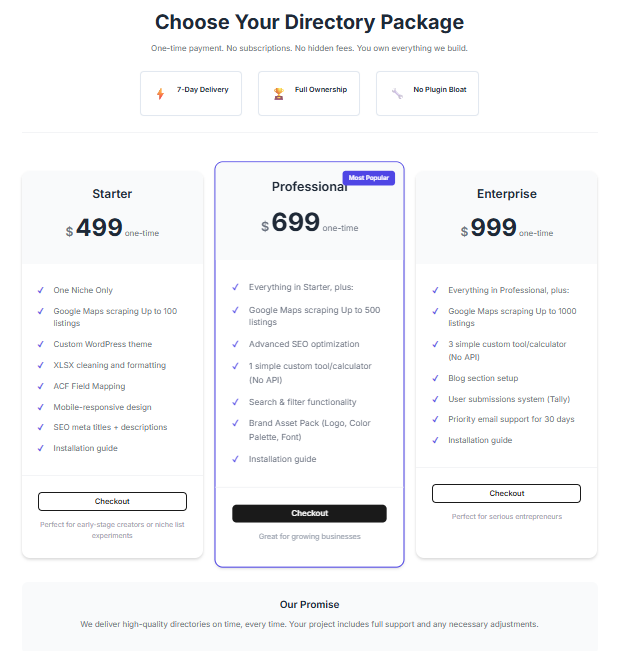
| Plan | Price | Includes |
|---|---|---|
| Stackbase System (one-time) | Mid-three-digit range | Templates, CMS structure, SEO framework, monetization flows, training library, updates, community |
Considering that:
Stackbase’s one-time price is genuinely reasonable.
A customer said it best:
“I’ve built sites for 10+ years. Stackbase is the first system that felt like it was designed by someone who’d actually built directories before.”
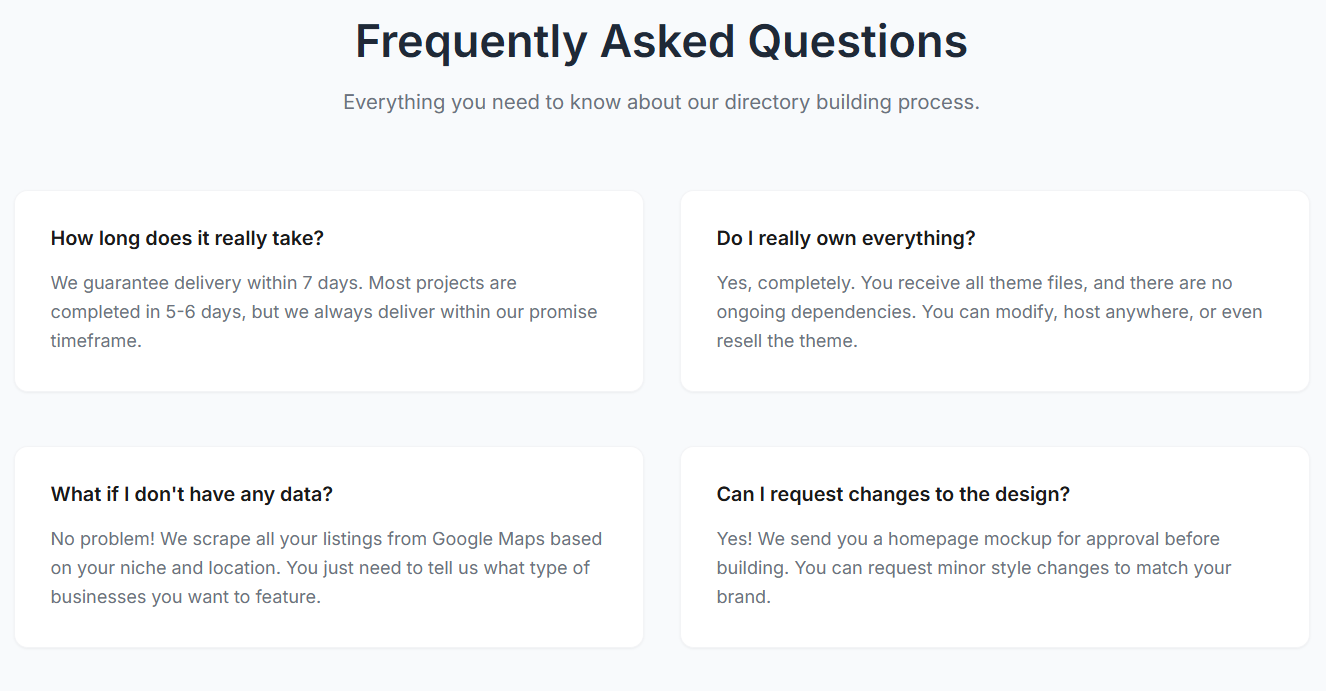
Yes — if you follow instructions. You don’t need to be a developer.
Yes. It’s built with flexibility in mind.
Yes — you can integrate payment providers to charge for listings or upgrades.
No. Once you have the system, you can build multiple directories.
If you value structure, speed, and SEO: absolutely.
Stackbase System is one of the few directory-building solutions that actually solves the real problems solopreneurs run into. Instead of juggling plugins, fighting with CMS schemas, or spending months “figuring it out,” you start with a proven, scalable architecture built specifically for directories.
It’s clean, SEO-ready, monetization-focused, and well-supported — and the one-time price becomes a no-brainer when you compare it to the alternatives.
If you want a directory site that ranks, earns, and scales without turning into a messy pile of plugins… Stackbase System is absolutely worth trying.
Get Started With Stackbase System Today
Let me know if you'd like me to create alternative versions (shorter, more sales-driven, more casual, or more technical).

Build your online directory with Make A Dir's no-code platform. Build and monetize professional directories in minutes!

Directify is a super-easy to use no-code directory builder. You can have multiple directory sites for a one-time payment. Click to read Directify reviews

Looking for the best directory website builder? Discover if Brilliant Directories is the right directory software to launch your business directory, membership site, or niche listing platform. Explore features, pricing, benefits, and comparisons to other directory-building tools.
Build your online directory with Make A Dir's no-code platform. Build and monetize professional directories in minutes!

eDirectory is a no-code platform to build member-based directories. Here's what we think about eDirectory.

Create, customize, and monetize professional directories with no code. Powerful features, beautiful design, launch in minutes.
Discover the three main types of directories you can build, from affiliate to local and user-generated content. Learn how to select the right software to avoid pitfalls.

Discover the advantages of using Brilliant Directories for creating your member directory. Learn about its features, benefits, and why it's a smart choice for your business.

Struggling with Brilliant Directories? This is how skilled Brilliant Directories Developers can help you create an interactive online directory or membership website without the stress.

Explore our in-depth review of GeoDirectory, the premier WordPress directory plugin designed for location-based business listings. Learn about its unique features, pricing, and how it compares to other directory plugins like Business Directory Plugin and Directorist.

Discover a strategic blueprint for creating your own affiliate-powered directory. Learn how to automate, monetize, and scale your directory effectively with this comprehensive guide.